Automatic generation
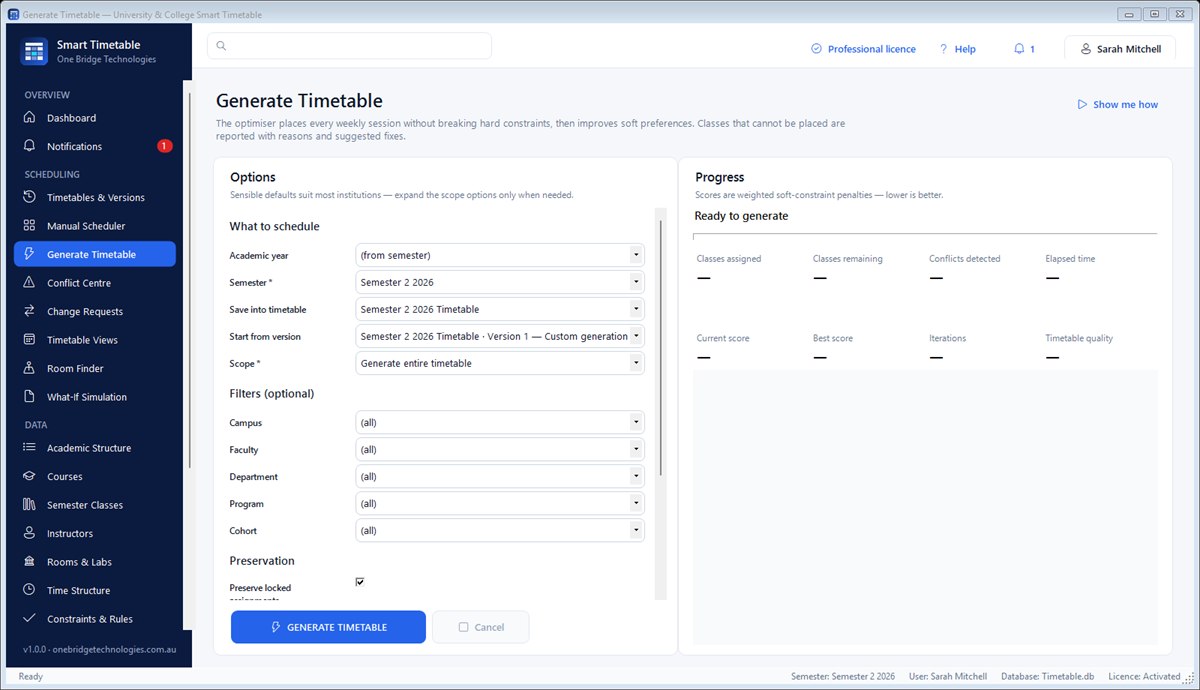
A hybrid optimiser places every session and reports anything it can't place with the reason and a suggested fix.
Windows software for universities, TAFEs and colleges
Enter your courses, teachers, rooms and student groups once. Smart Timetable builds the whole week for you, checks every rule, lets you fine-tune by drag and drop, and prints calendar timetables for every teacher and class.

Why Smart Timetable
Building a semester timetable by hand means weeks of juggling rooms, teachers and student groups — and one late change can undo everything. Smart Timetable does the heavy lifting and keeps every change safe.
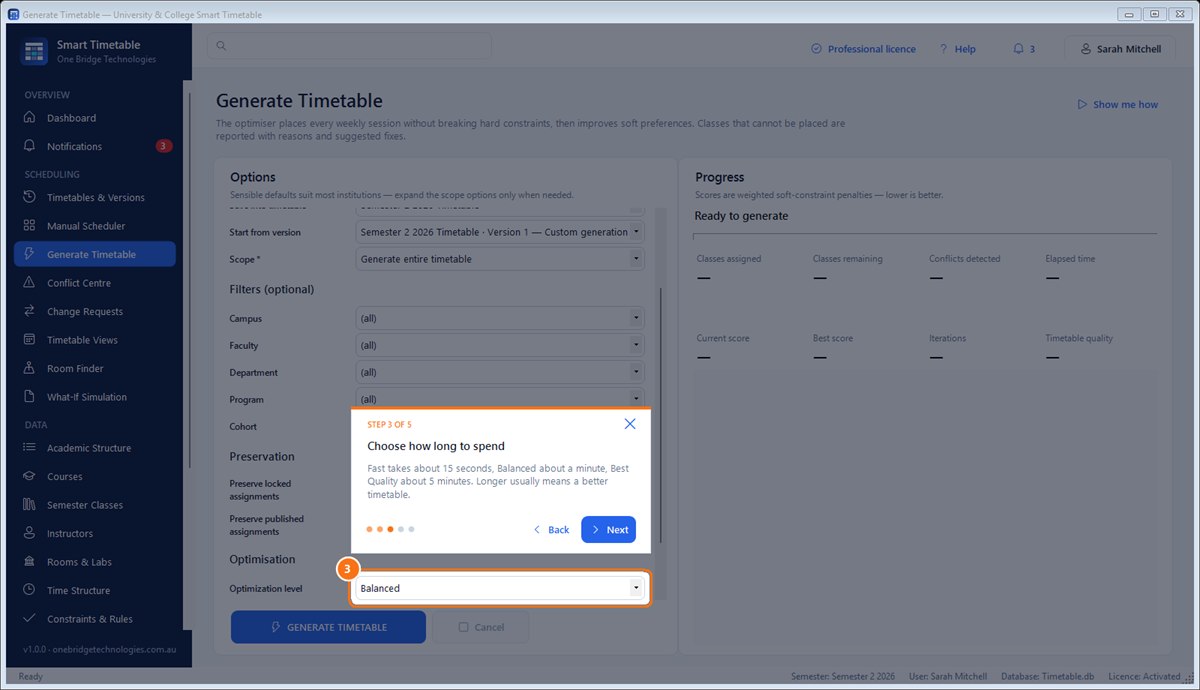
Choose Fast, Balanced or Best Quality and the optimiser places every weekly class without breaking a single hard rule, then improves teacher and student preferences.
Rooms, teachers, student groups, room capacity, equipment, laboratories, availability and travel time are checked every time anything moves.
Drag a class to a new slot and see instantly whether it fits. Suggest shows free times and rooms; Undo puts everything back.
Build the timetable before teachers are confirmed, then let Assign teachers give every class a free, qualified teacher — without moving a single class.
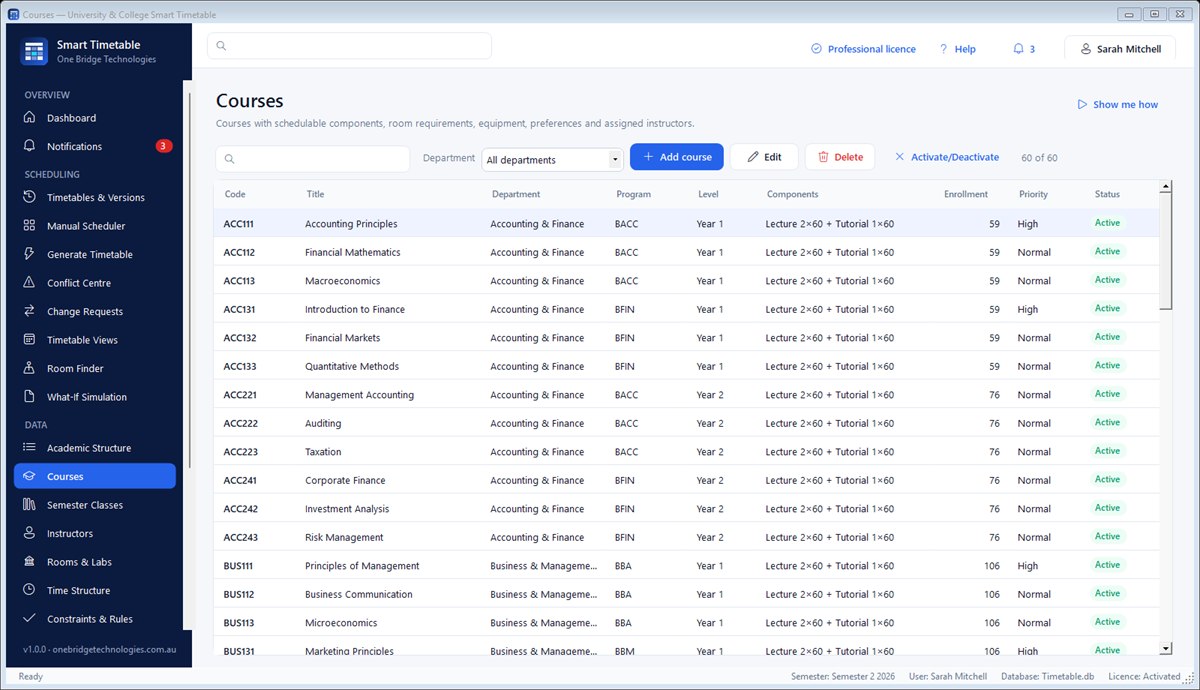
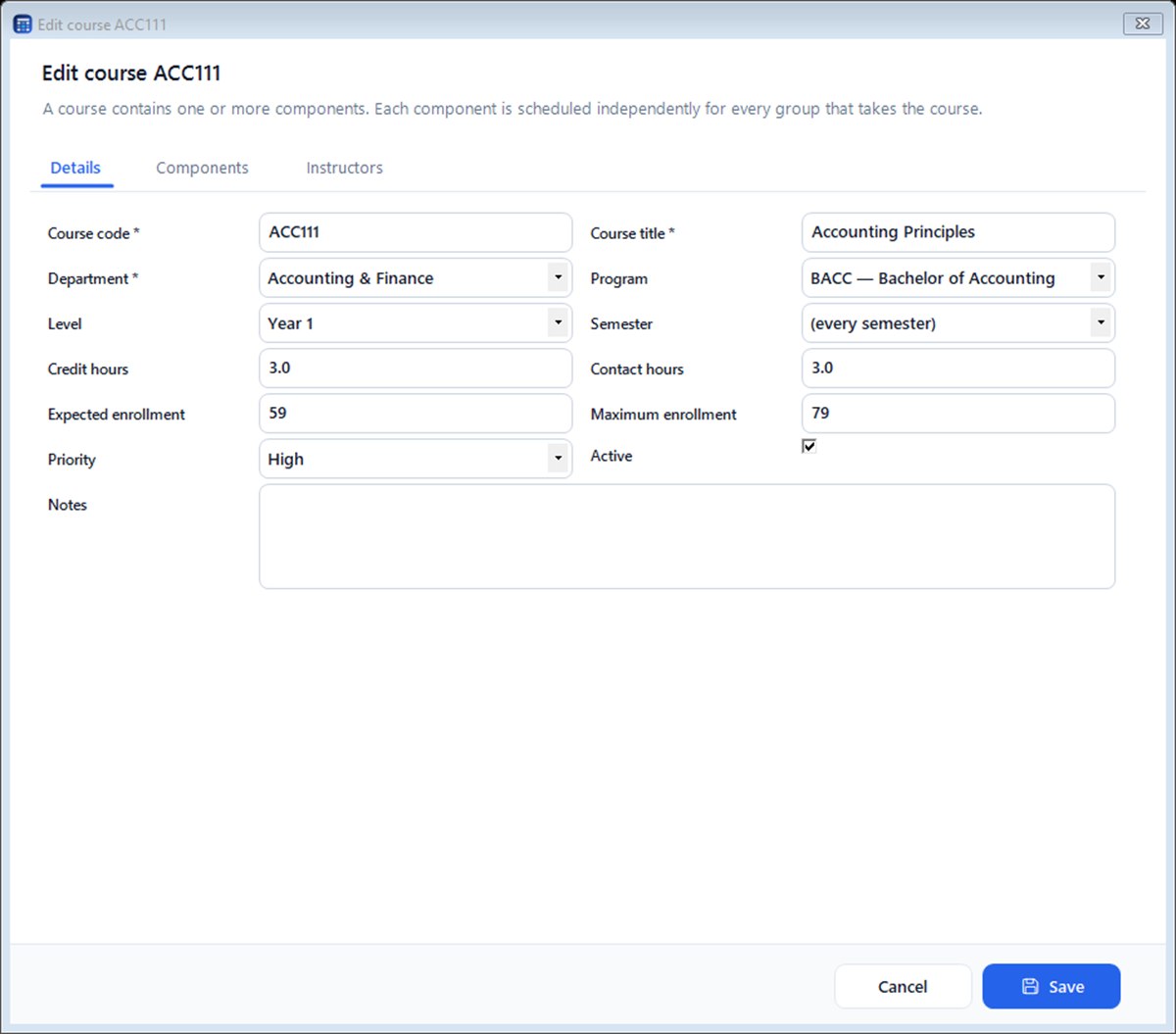
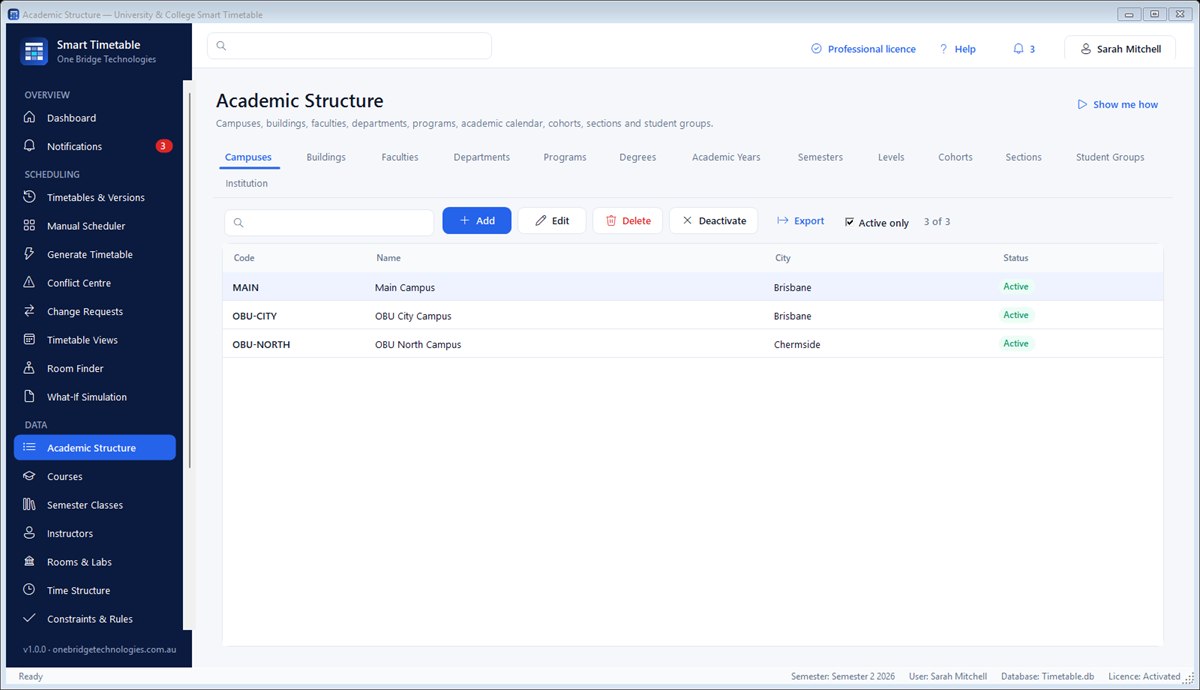
Faculties, departments, programs, year groups, sections and course groups, shared lectures, combined classes, labs and tutorials.
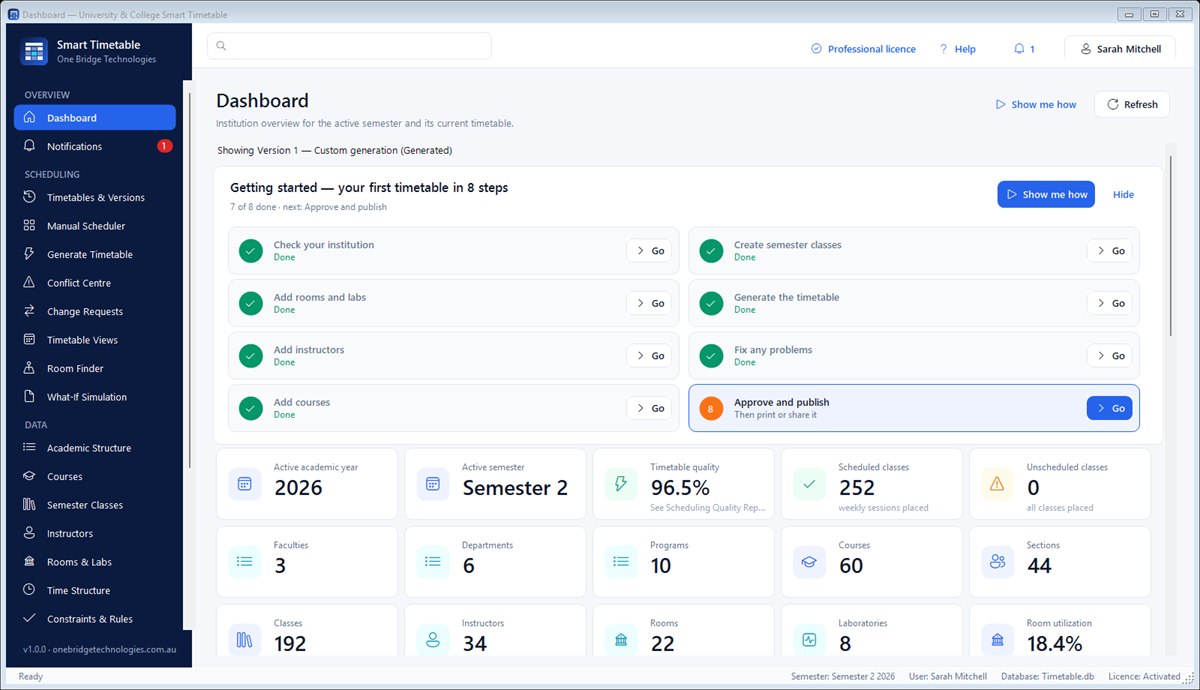
Versions, a review and approval workflow, a quality score and a hash-chained audit trail show exactly who changed what and when.
What-If Simulation tries enrolment growth, a closed room or an absent teacher in a sandbox and compares the result with the live timetable.
Everything is stored in one database file on your computer or shared network folder — no cloud account, no database server to install.
Features
A hybrid optimiser places every session and reports anything it can't place with the reason and a suggested fix.
Move, swap, copy, lock and unschedule classes, change rooms or teachers, with live conflict checking and unlimited undo.
Every clash and warning in one list, with severity, explanation and one click to open it in the scheduler.
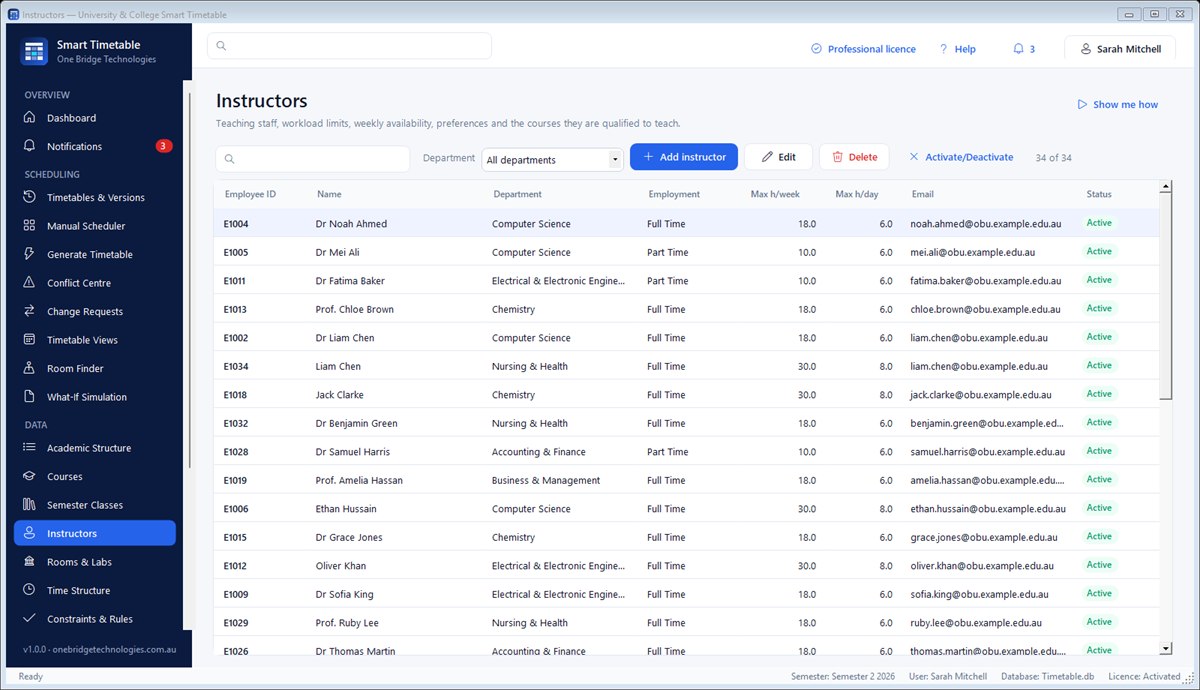
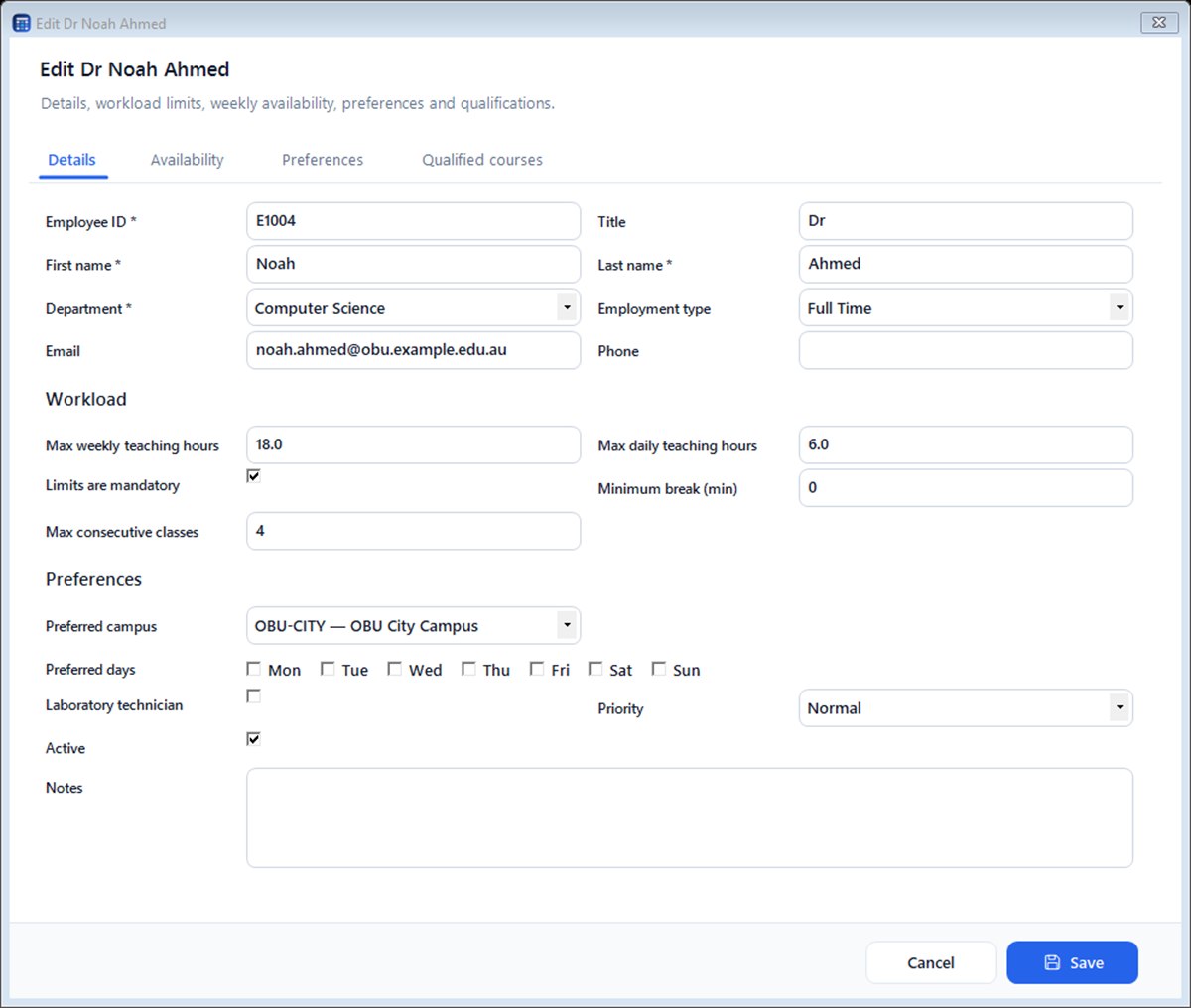
Workload limits, weekly availability, preferred days and campuses, qualified courses, and automatic or manual assignment.
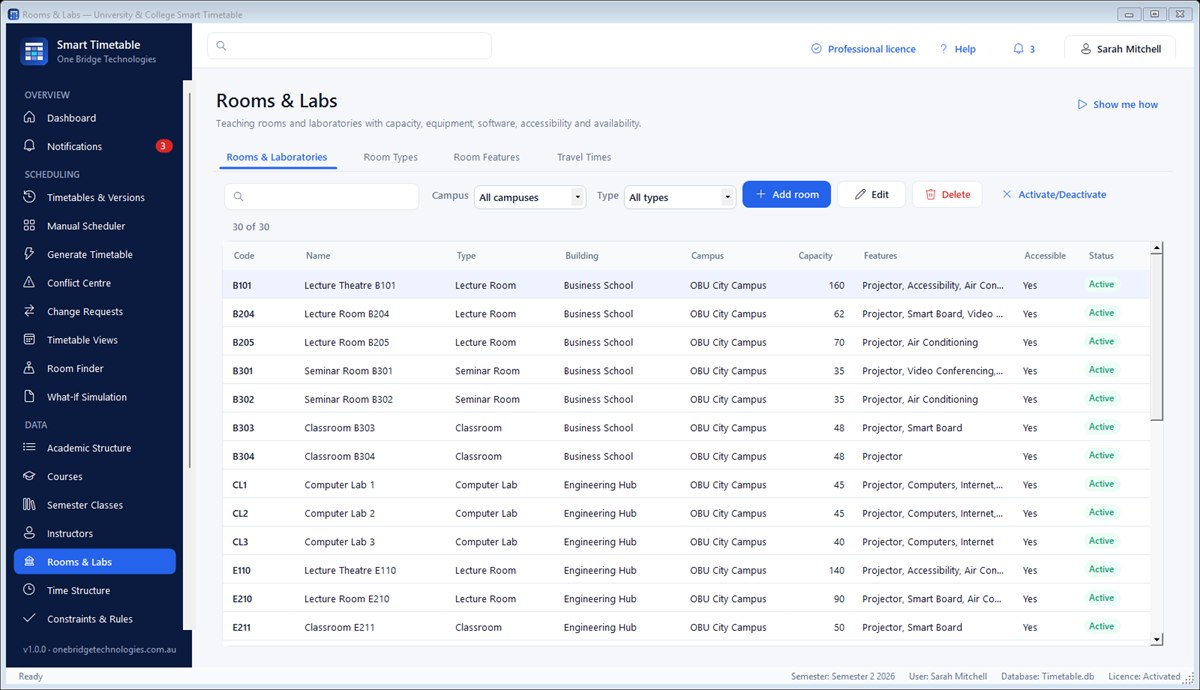
Capacity, type, features and equipment. Room Finder lists free rooms for any time, best match first.
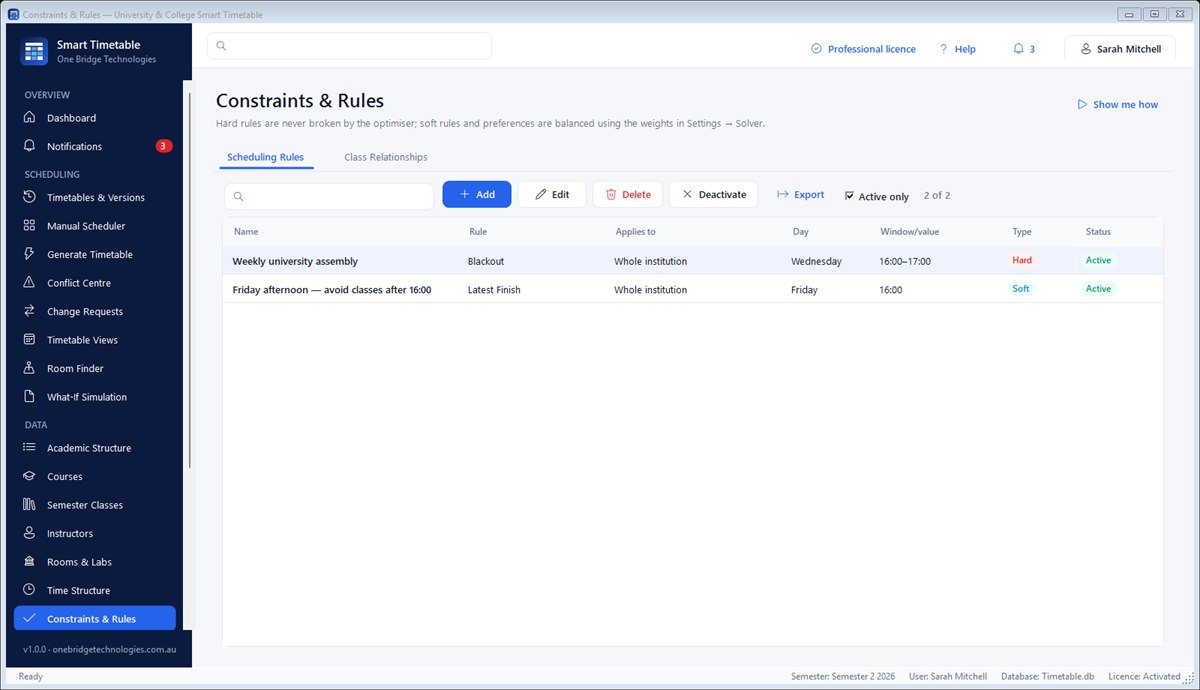
Blackout times, daily limits, earliest starts, lunch breaks, same-time and different-day rules, lecture-before-lab and more.
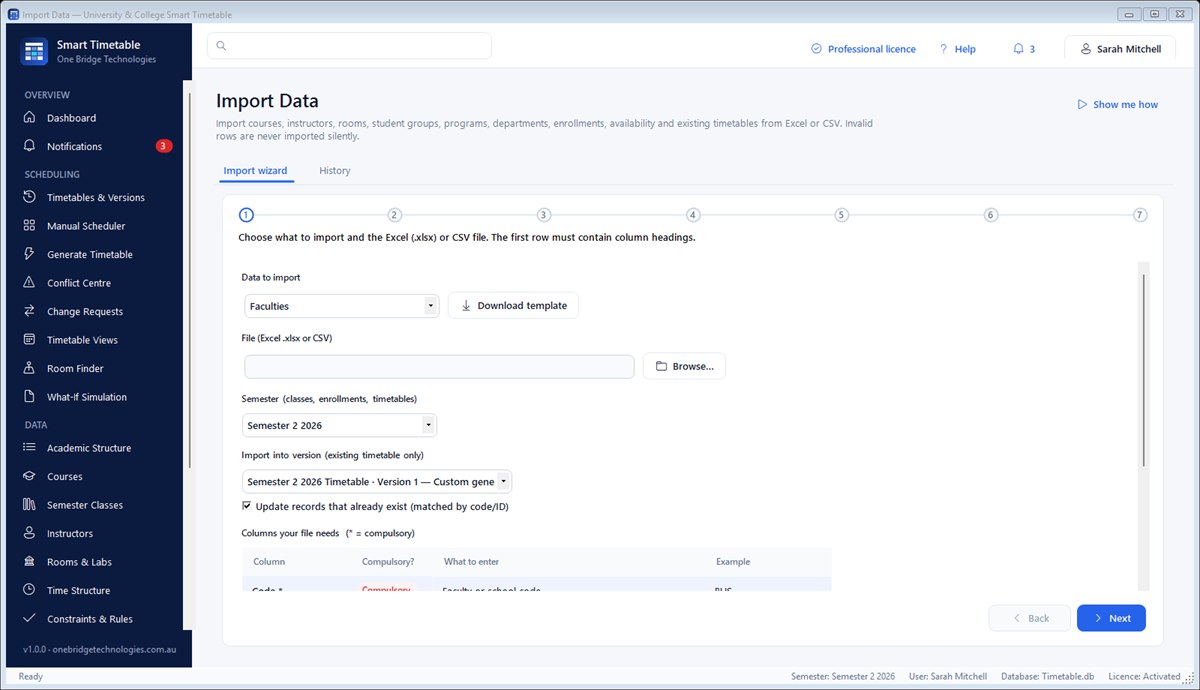
Ready-made templates with compulsory columns marked. Rows with mistakes are shown with a clear fix — never imported silently.
See the week for any campus, faculty, department, program, group, section, course, teacher or room.
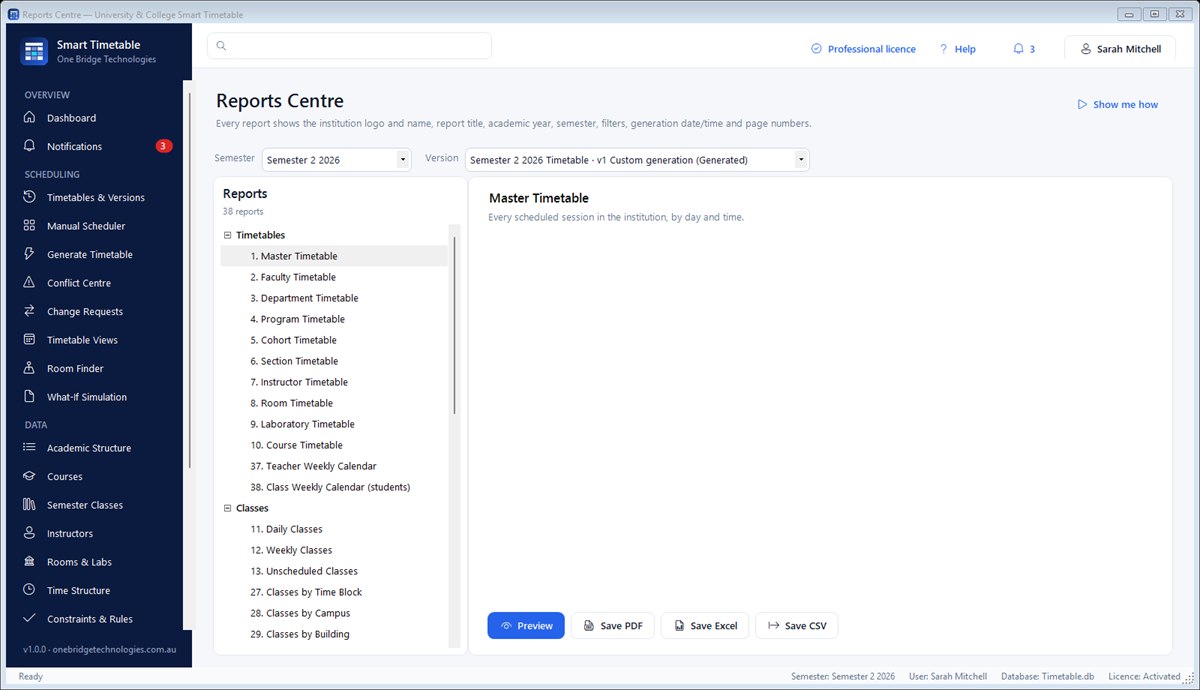
Weekly calendars for teachers and classes, room utilisation, workload, quality and more — PDF, Excel or CSV.
Sandbox copies for enrolment growth, room closures, teacher absences, new courses or new durations.
Role-based permissions, password policy, automatic sign-out and a tamper-evident audit trail.
Verified backups (automatic daily), a Help Centre, guided tours that point at the real screen, and a full user manual.
Screenshots
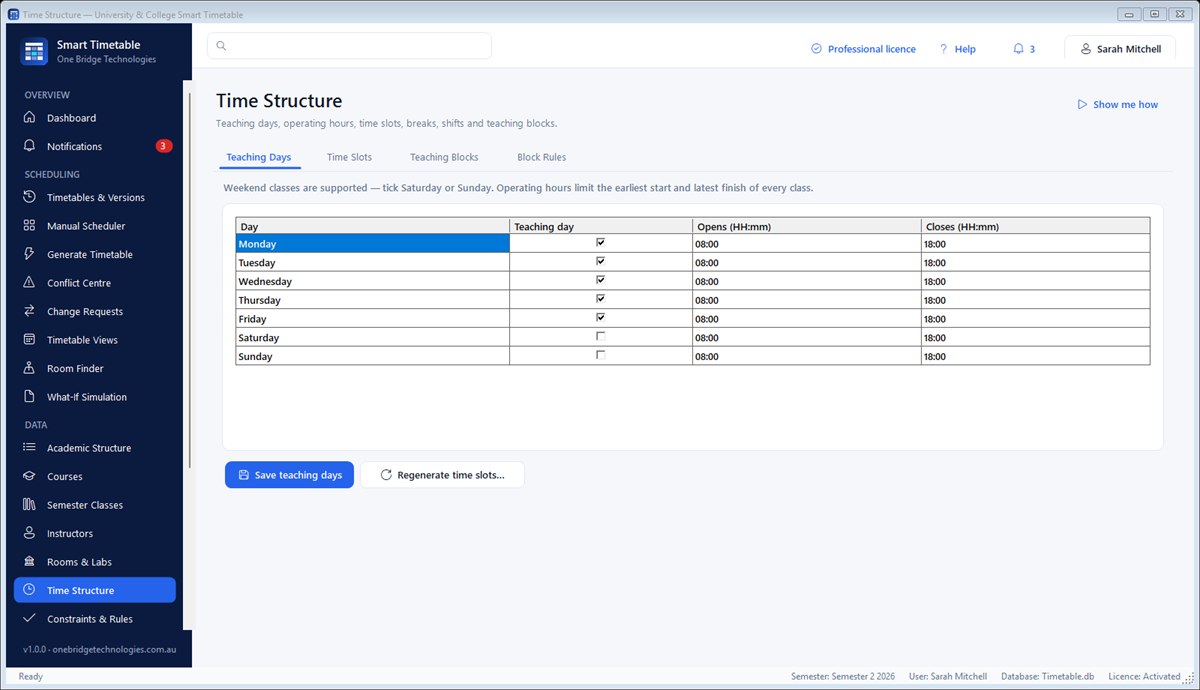
Real screens from Smart Timetable 1.0.0 with the built-in sample university. Select any picture to enlarge it.






How it works
A short Setup Wizard asks for your institution, campuses, academic year, semesters and teaching week.
Import courses, teachers, rooms and student groups from Excel templates, or type them in.
Press Generate. Every class gets a time, a room and — if you wish — a teacher.
Fine-tune by drag and drop, approve the version, then print or export calendars for everyone.
Learn & get started
Short videos and plain-language guides with labelled steps — Step 1, Step 2, Step 3 — so anyone in your office can learn it, at their own pace.
The complete illustrated manual: the key ideas, setting up, importing, generating, fixing, publishing, printing, real-life recipes and administration.
Download the user manualEvery help topic from the software in one printable guide, with numbered screenshots of each screen.
Download the user guideA complete sample college in ten ready-to-import Excel files with a READ ME, so you can practise importing before you use your own data.
Download the sample filesA free step-by-step video course: set up, import your data, generate, fix and publish your timetable. Learn at your own pace.
Watch the tutorialsFree trial
Install on Windows and use every feature free for 14 days — the sample university lets you explore straight away. When the trial ends nothing is deleted: activate a licence key and carry on exactly where you left off.
Download installer (52.8 MB)Seeing a security warning?
New software from smaller publishers can trigger a warning from your browser, antivirus (such as McAfee) or Windows while it builds a download history. Our installer is safe, and you can check it matches the SHA-256 code below.
Not sure? Email info@onebridgetechnologies.com.au and we'll help you install it.
a3cb4b33c3f17bf5355b80838de45b0abff60b87df39625469ecd8d7d18661f1Smart Timetable Professional
30% off · Spring Sale
$693.00 AUD
Usually $990.00 · you save $297.00
Offer ends 31 Dec 2026, 11:59 pm (Brisbane time)
One-off payment · Australian dollars
Already purchased? Find my licence key
No internet on that computer? Offline activation
FAQ
University & College Smart Timetable is made in Australia by One Bridge Technologies. Questions or a demonstration for your team? Email info@onebridgetechnologies.com.au.