Owners & administrators
Set up the business, users and permissions, run reports, approve anything, and keep backups and the licence in order.
Windows software for Australian small businesses
Your team clocks in and out with a PIN at the Time Clock. StaffProof turns those times into weekly timesheets, tracks leave and certificate expiry, and keeps a full history of every change — ready to export for payroll.
Why StaffProof
Paper timesheets go missing, hours get rounded in someone's favour and leave lives in three different spreadsheets. StaffProof gives you one accurate, traceable record for every person on your team.
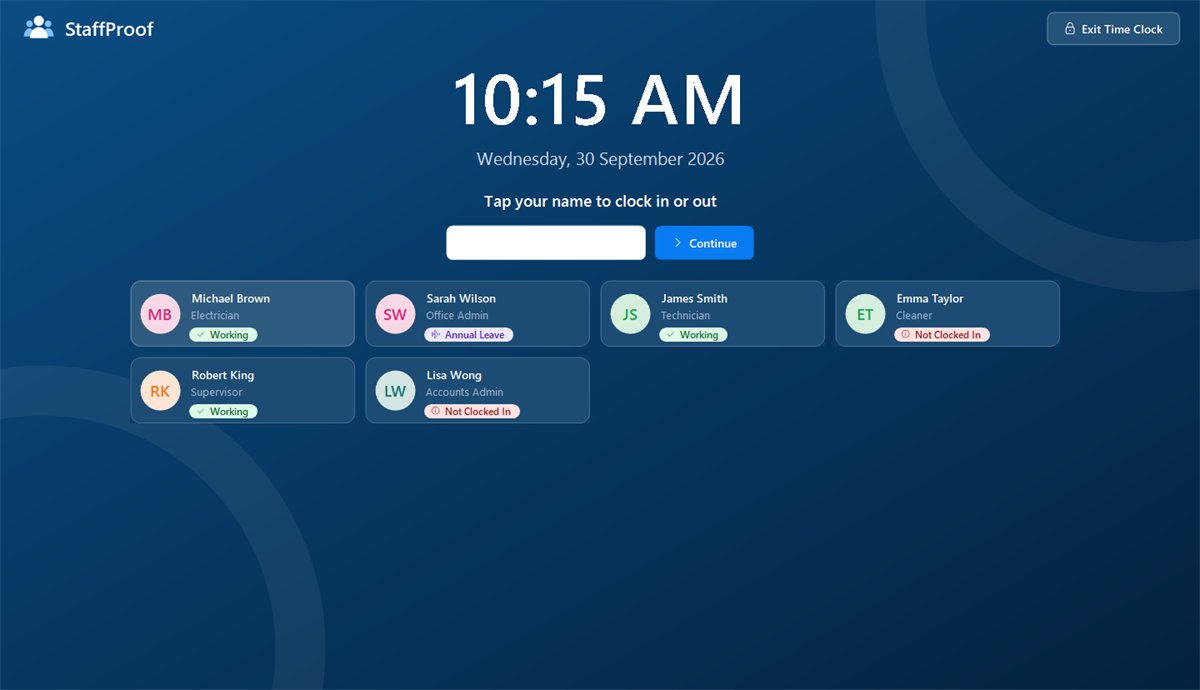
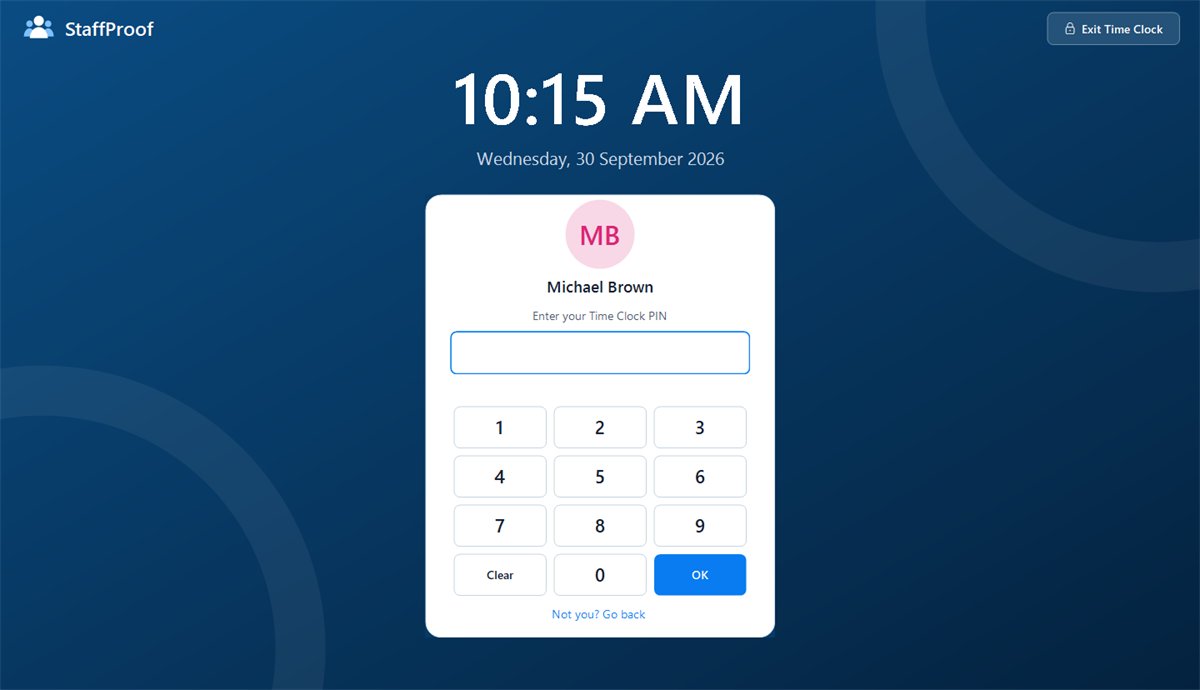
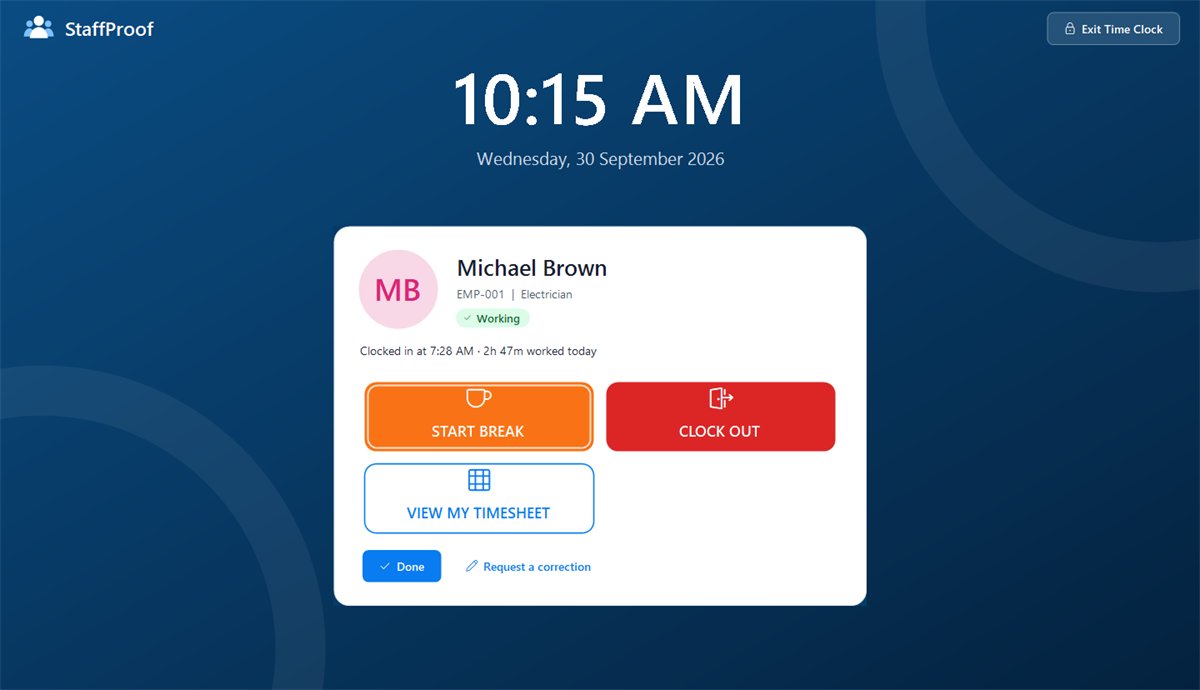
Staff tap their name and enter a PIN to clock in, start and end breaks and clock out. Times are exact to the minute, and one person can't easily clock in for another.
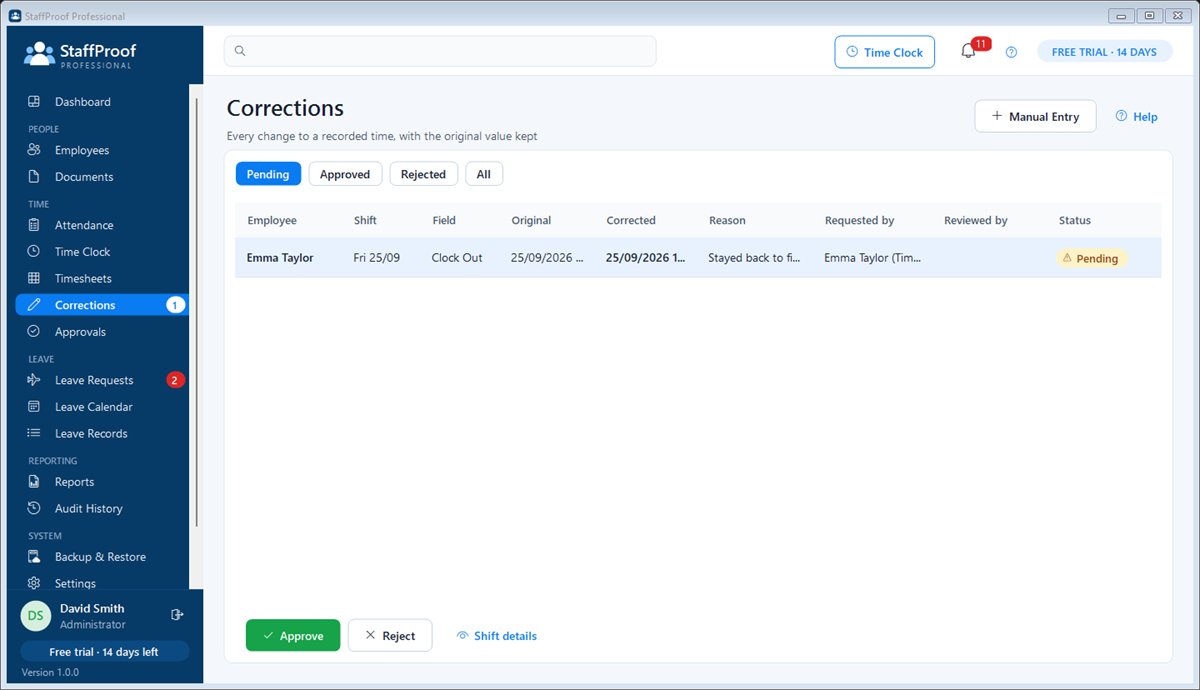
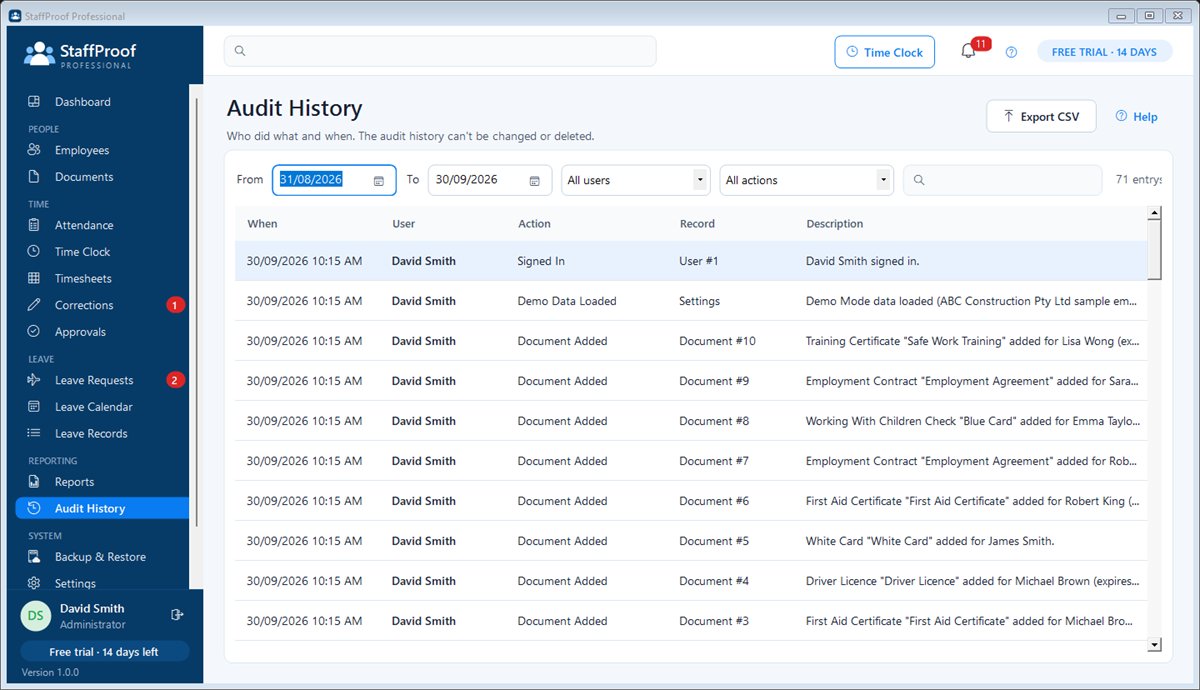
Forgot to clock out? Fix it with a reason. The original time, the corrected time, who changed it and why are all kept — useful in a dispute or a Fair Work enquiry.
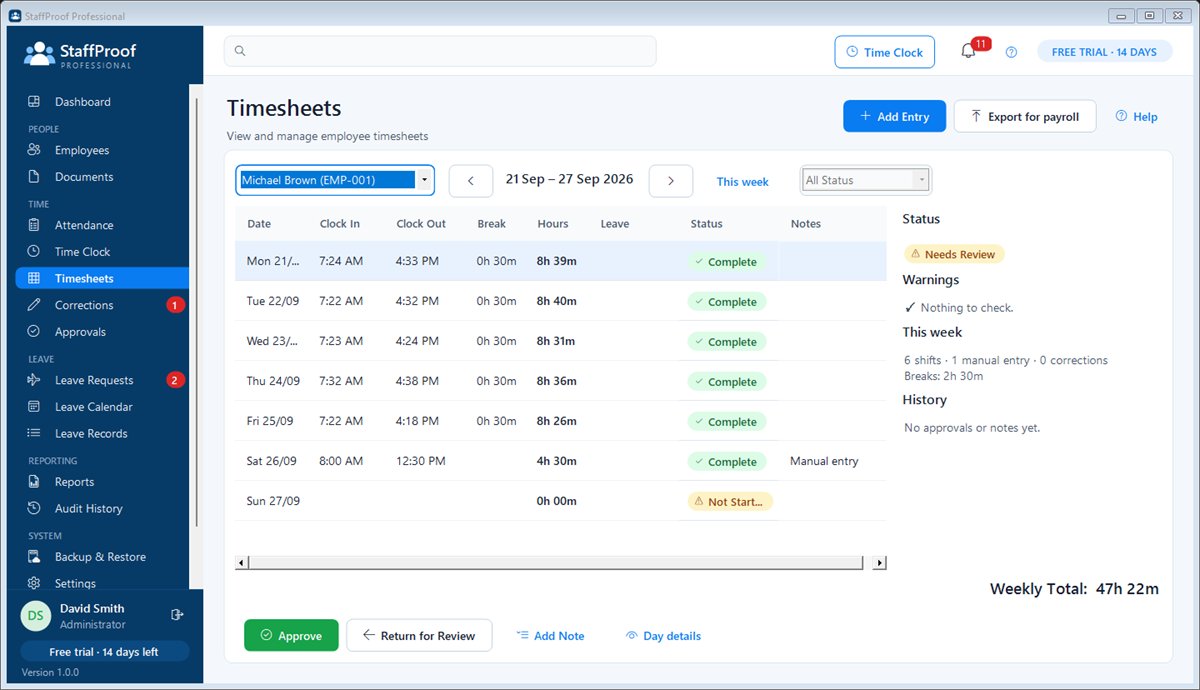
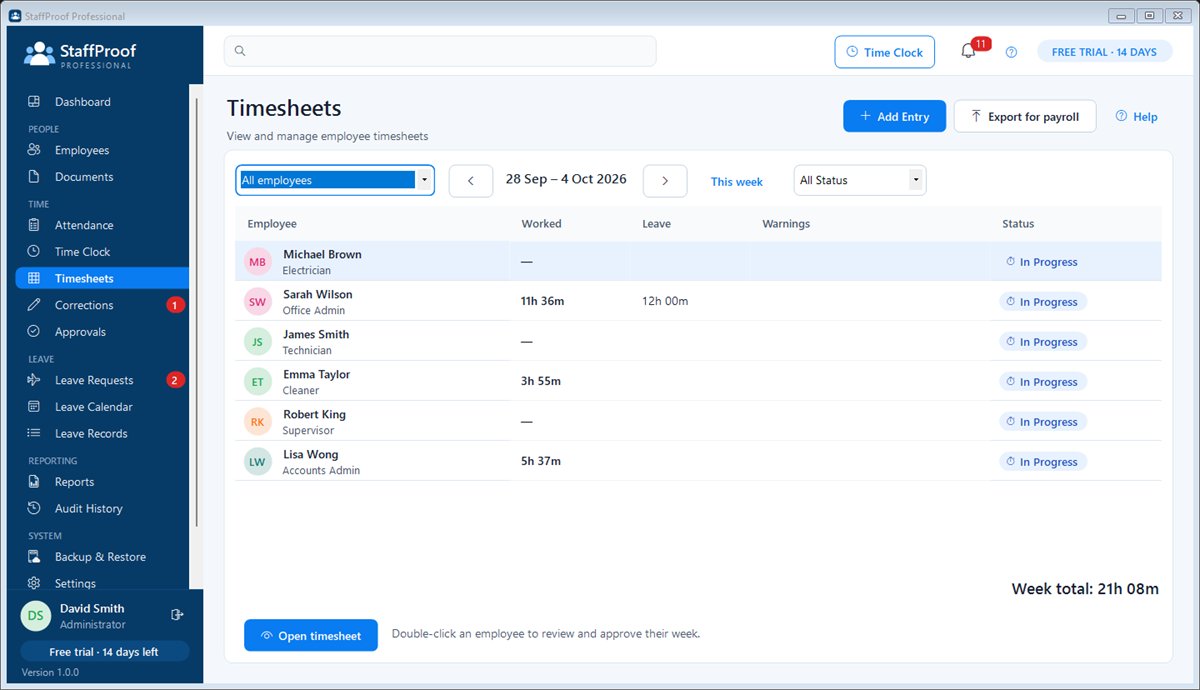
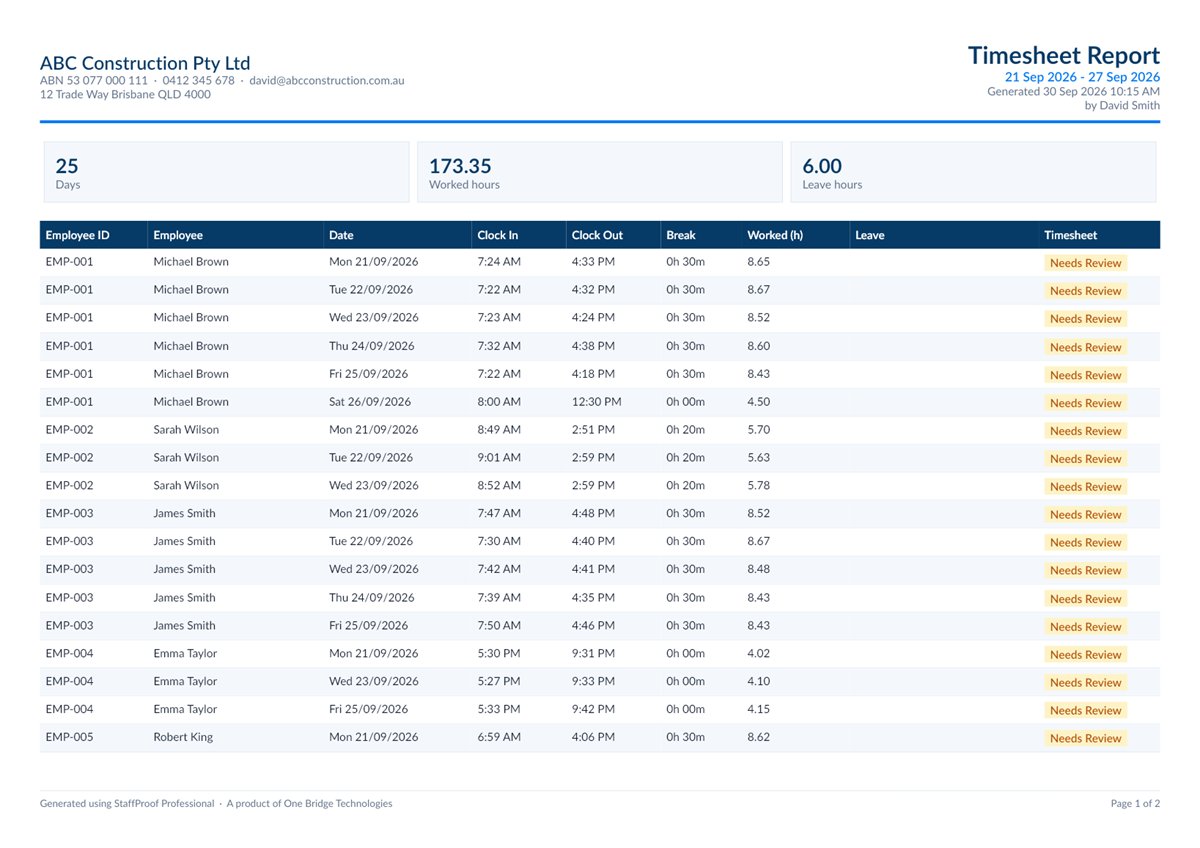
Weekly timesheets are calculated from the Time Clock, with breaks, leave, missing clock-outs and long shifts flagged before you approve.
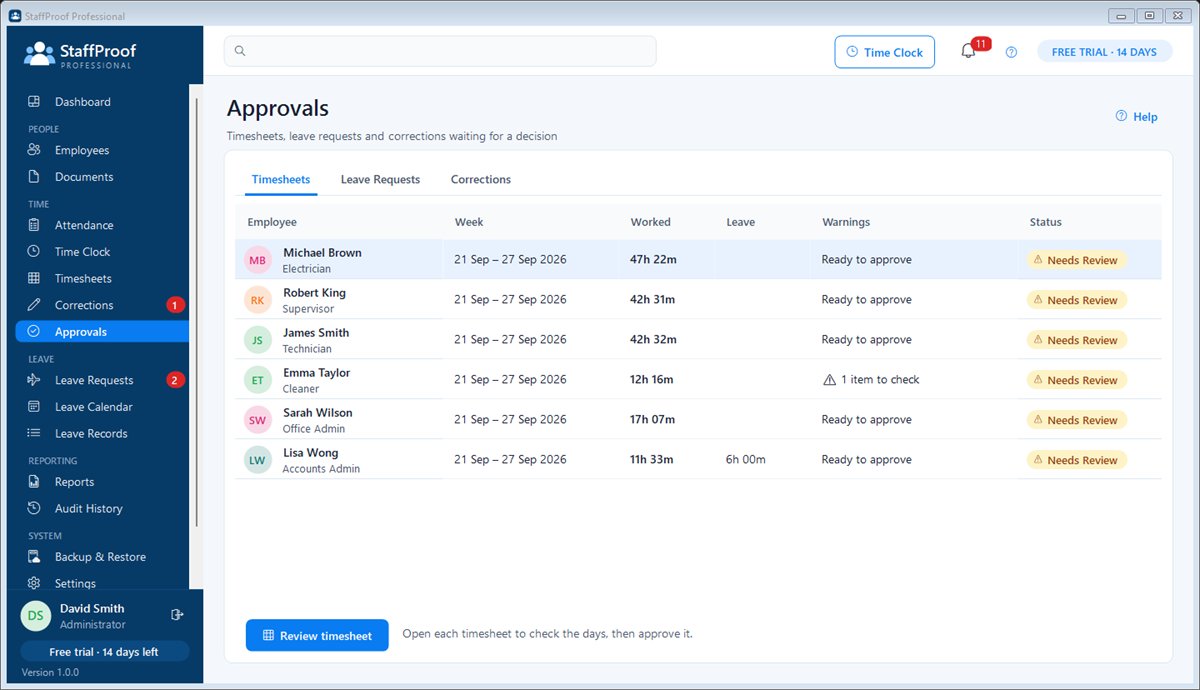
Approve the week, then export the hours as a CSV for Xero, MYOB, your payroll provider or your accountant.
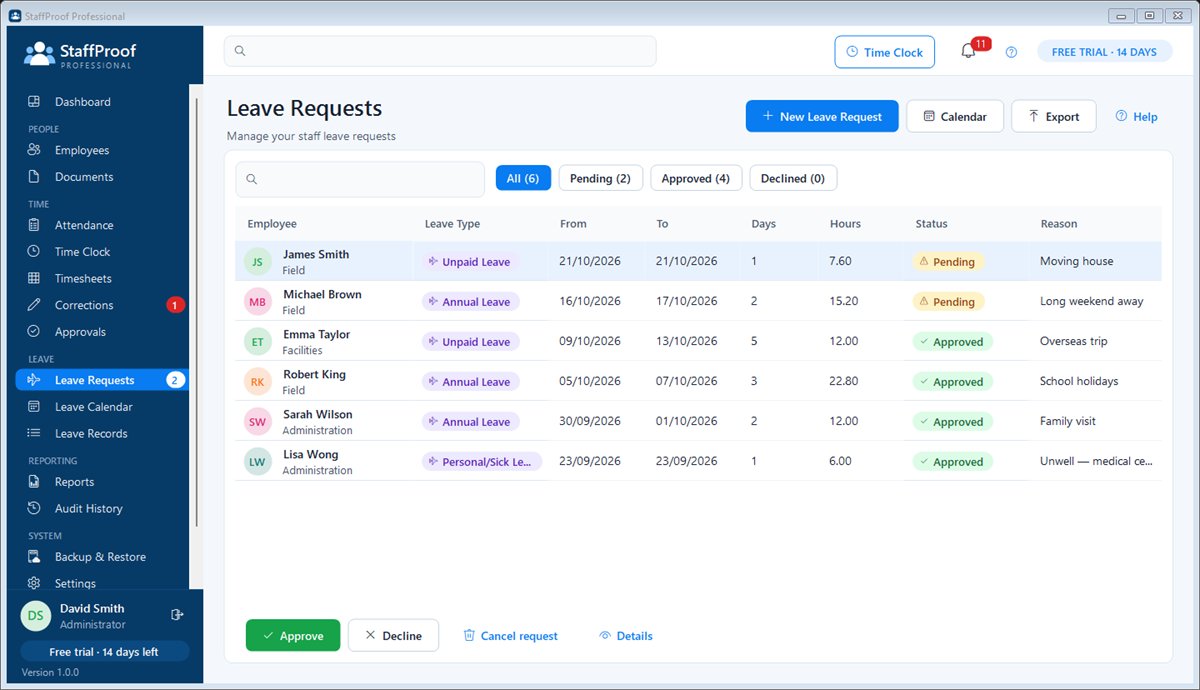
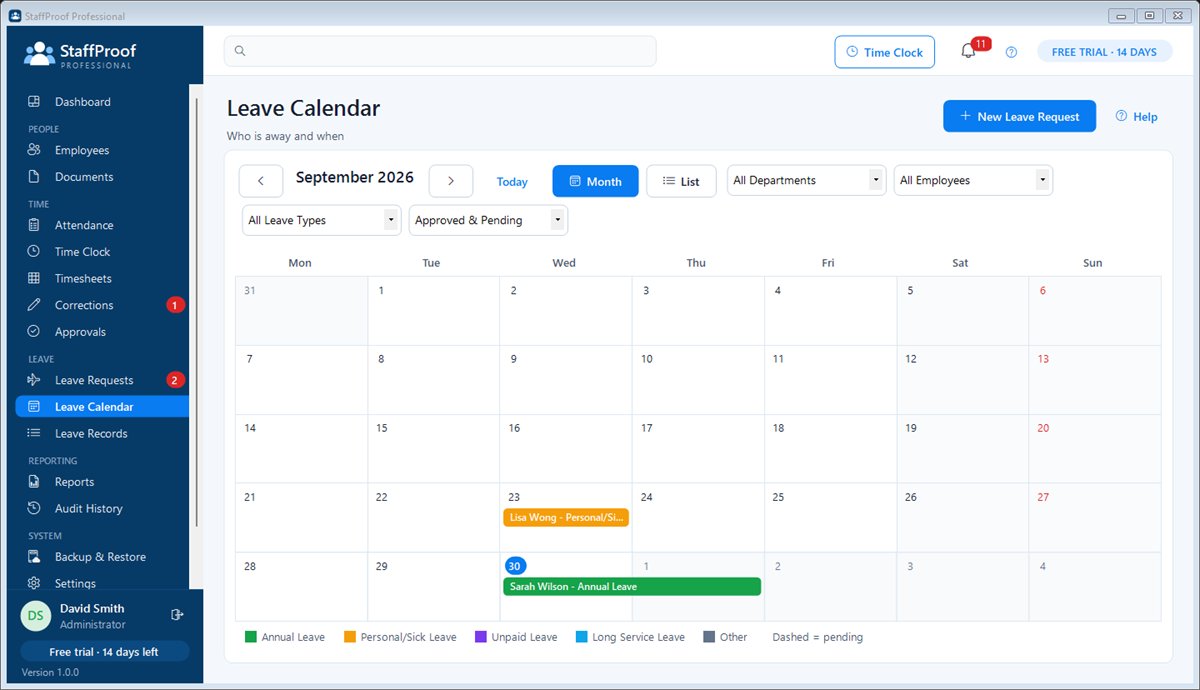
Requests, approvals, a calendar of who's away and a full history of recorded balances for every leave type you choose.
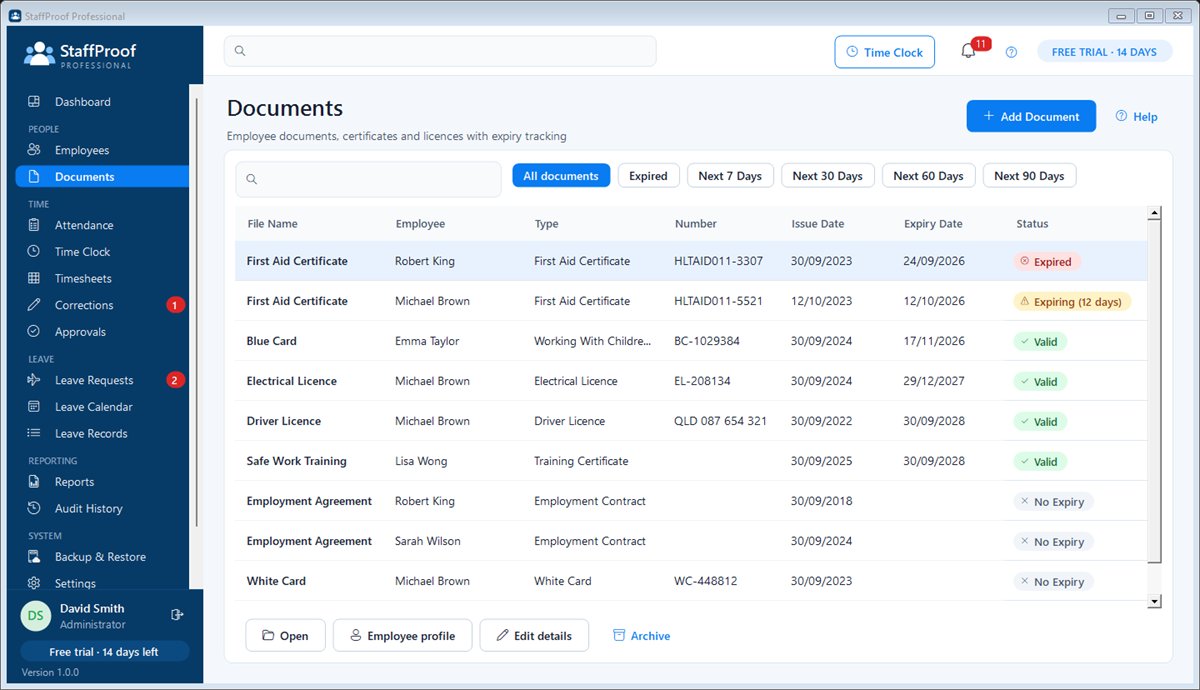
Store licences, White Cards, First Aid and other certificates with expiry dates; the dashboard warns you at 90, 60, 30 and 7 days.
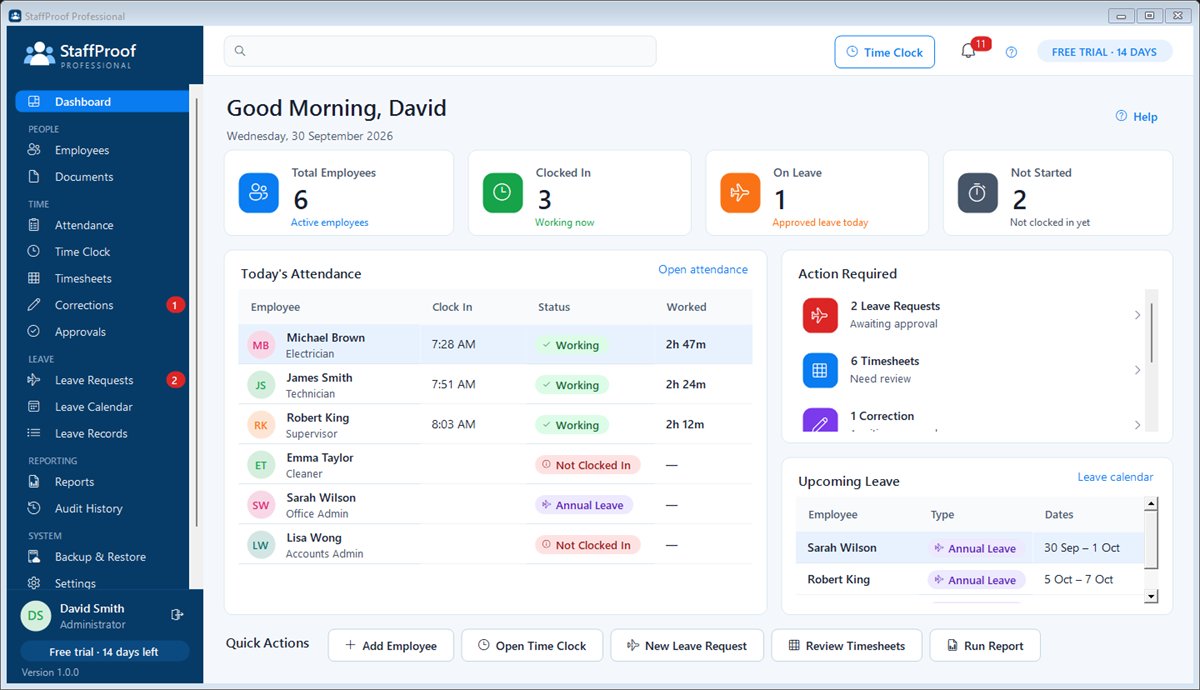
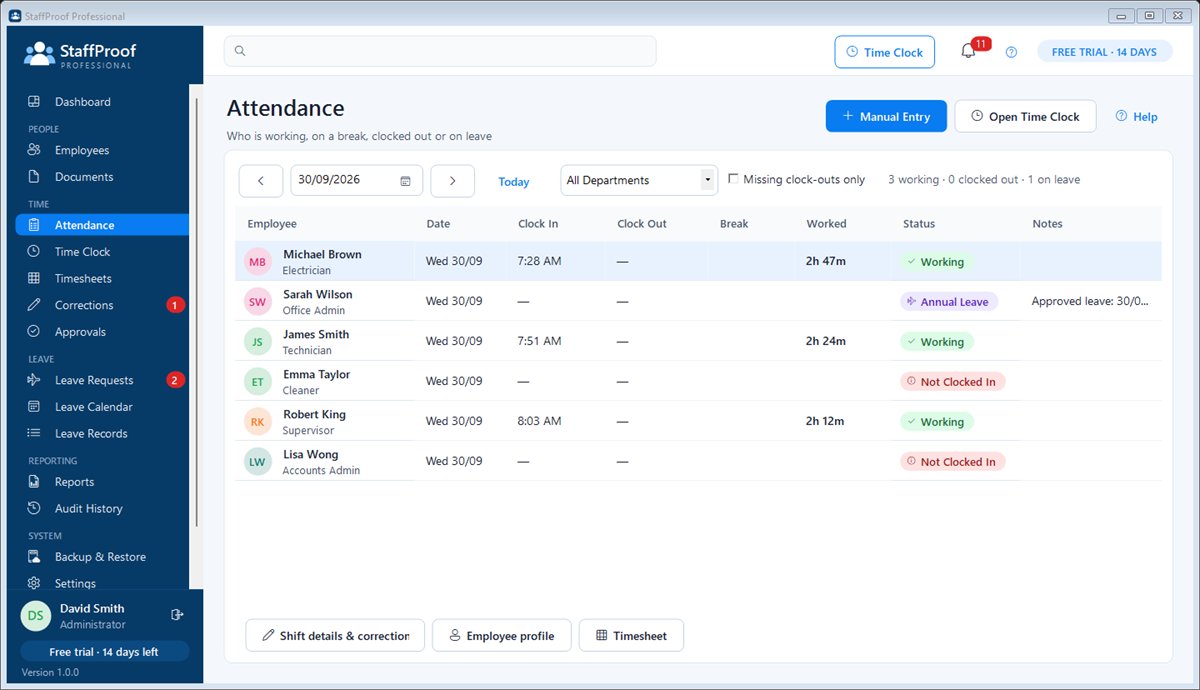
Who is working, who is on a break, who is on leave and what needs your attention — the moment you open StaffProof.
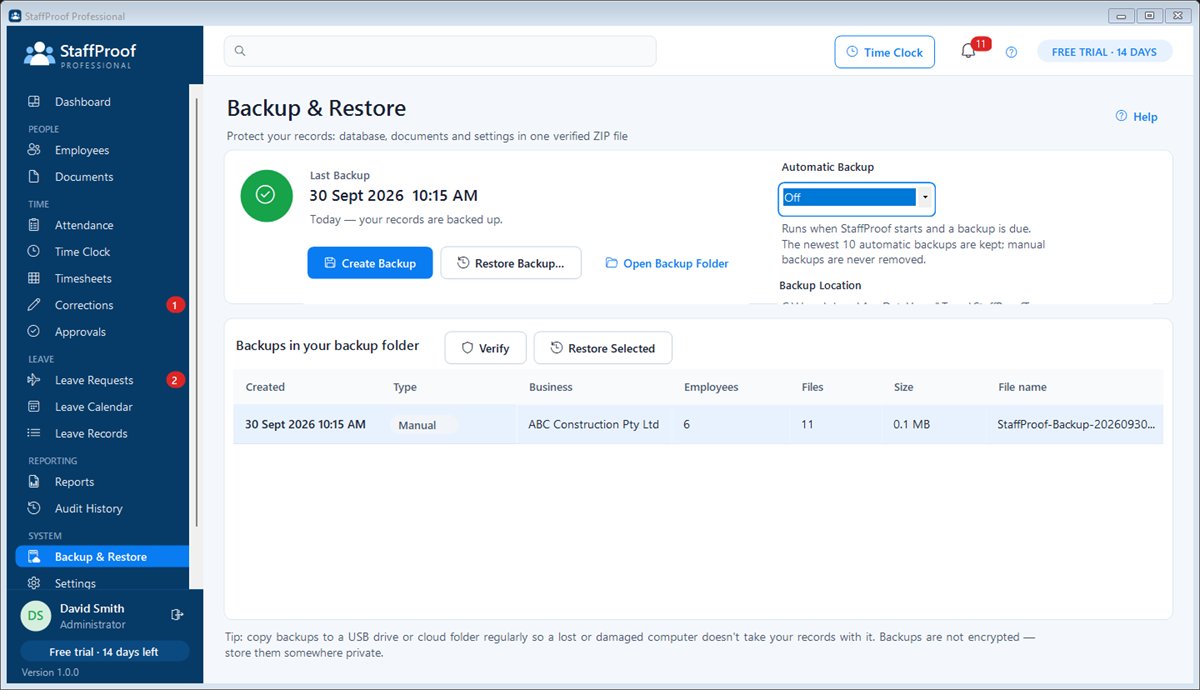
Everything is stored on your own computer and works without internet. Automatic verified backups. No per-employee monthly fee.
Who it's for
Trades and construction, cafés and restaurants, retail, cleaning, workshops, clinics and community organisations — usually 5 to 100 employees.
Set up the business, users and permissions, run reports, approve anything, and keep backups and the licence in order.
Review and approve timesheets, fix times with a reason, approve leave and correction requests, and keep documents up to date.
Clock in and out, take breaks, see their own hours for the week and ask for a time to be corrected — nothing else on the computer is reachable.
Features
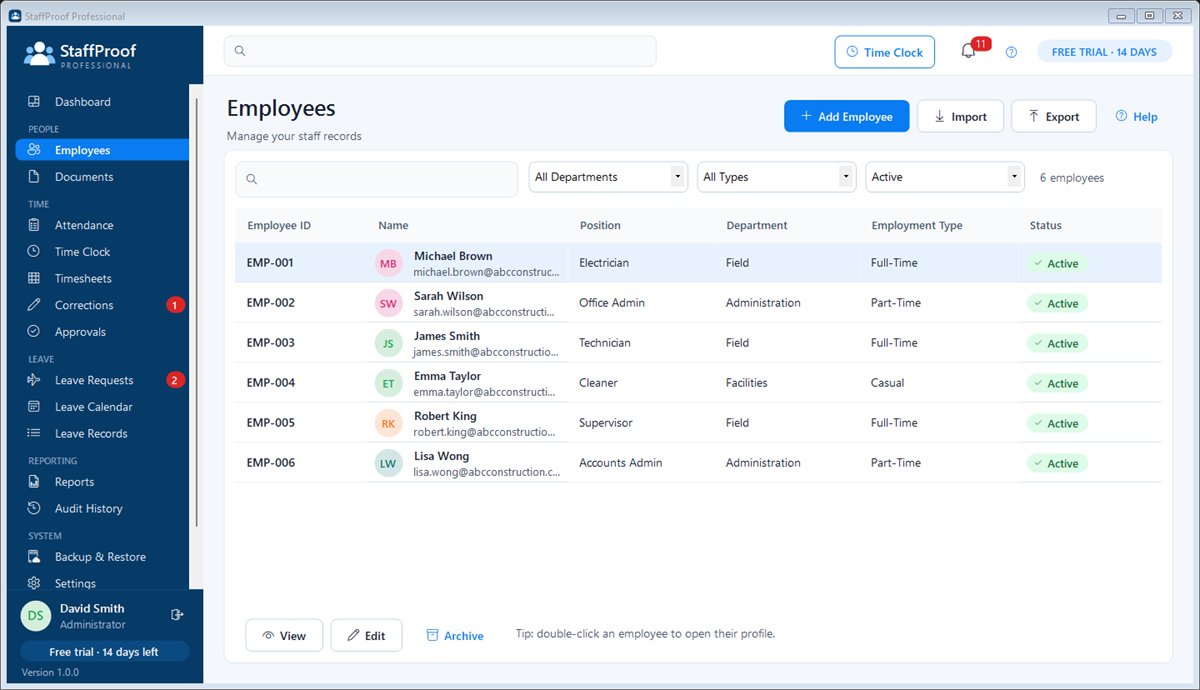
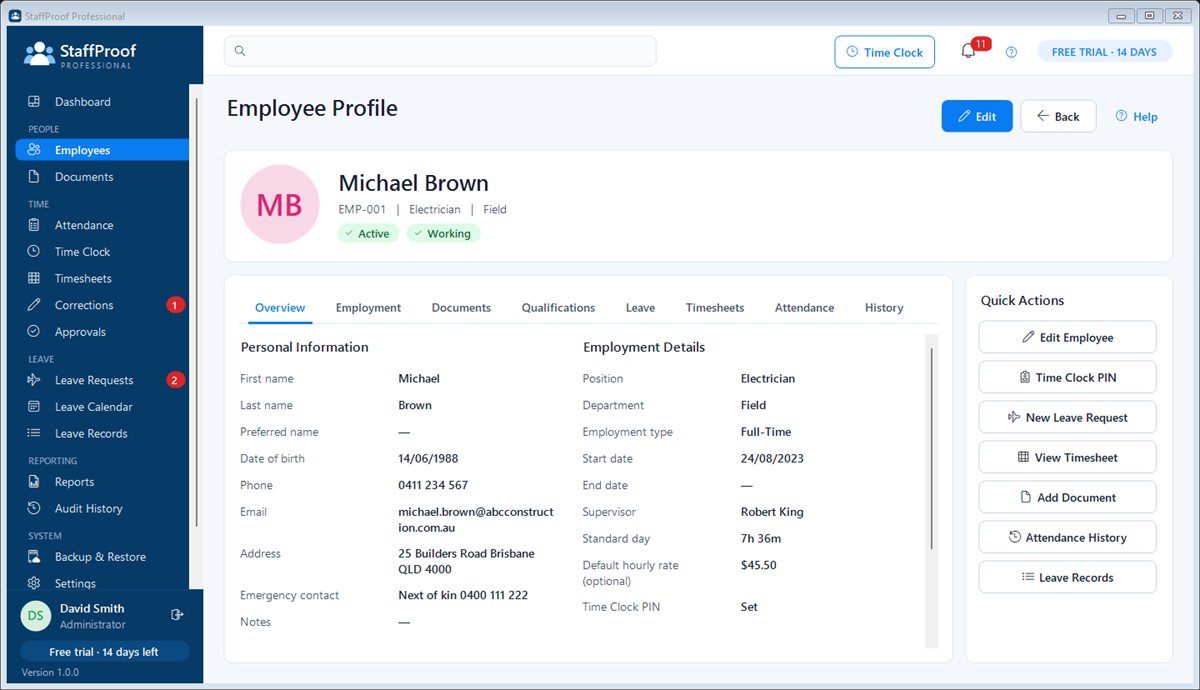
Personal, employment and emergency details, photos, departments, CSV import and export, and archiving that keeps history.
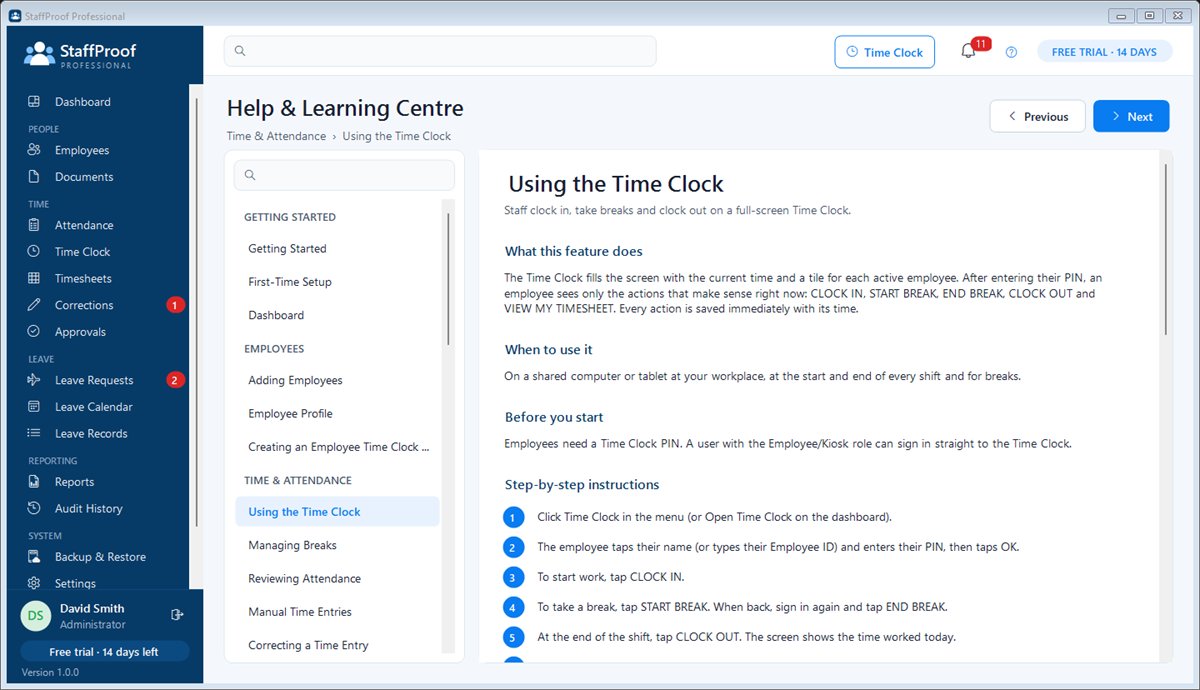
Employee tiles or ID, PIN pad with lockout, buttons that only show the next valid action, and a supervised exit.
Paid or unpaid breaks recorded separately, one open break at a time, and missed breaks added later with a reason.
Recalculated from the clock records, optional rounding shown alongside the exact time, and clear warnings.
Every change needs a reason and is labelled. Time Clock correction requests wait for a manager's approval.
Approve, return, reopen and lock weeks after payroll, with a snapshot of exactly what was approved.
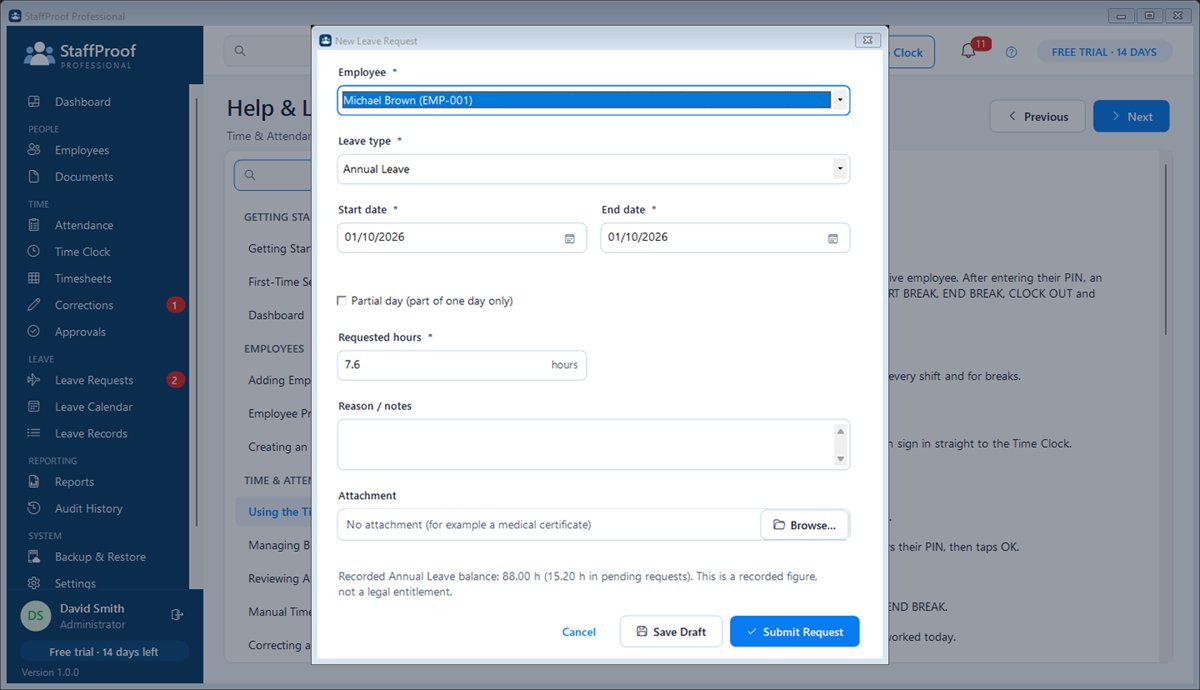
Full and partial days, attachments, approval history, team availability and a month calendar with filters.
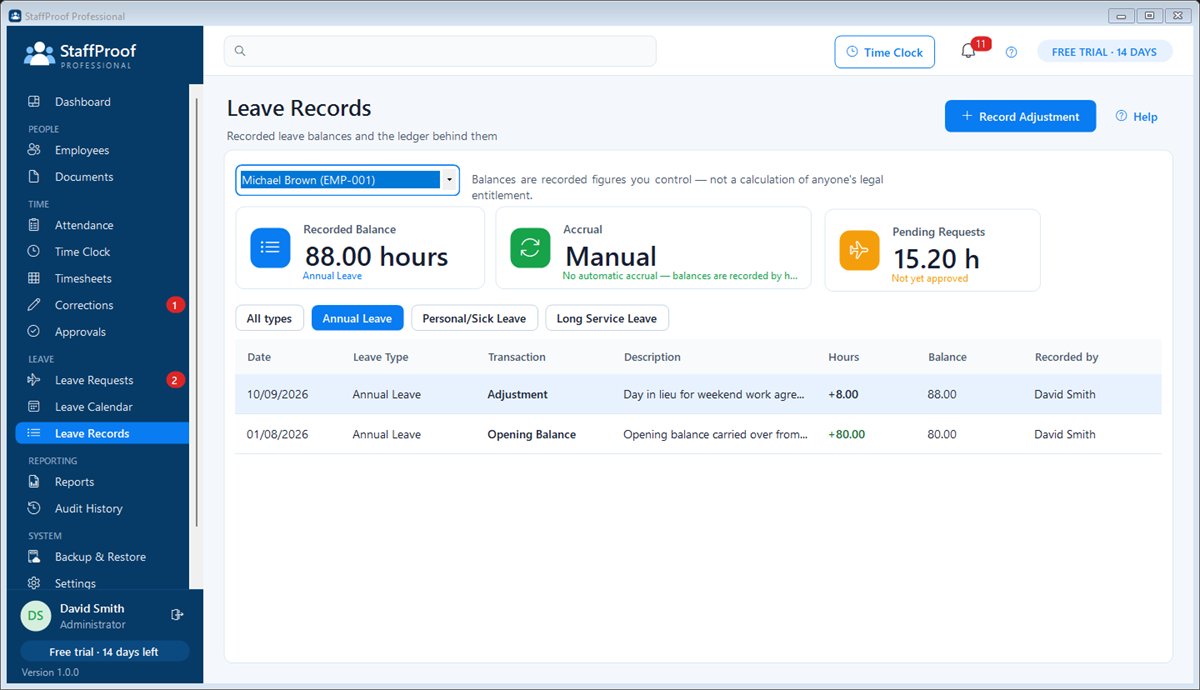
Configurable leave types and an append-only record of balances, adjustments and optional accrual rules.
Files stored safely outside the database with a fingerprint, categories, expiry tracking and dashboard alerts.
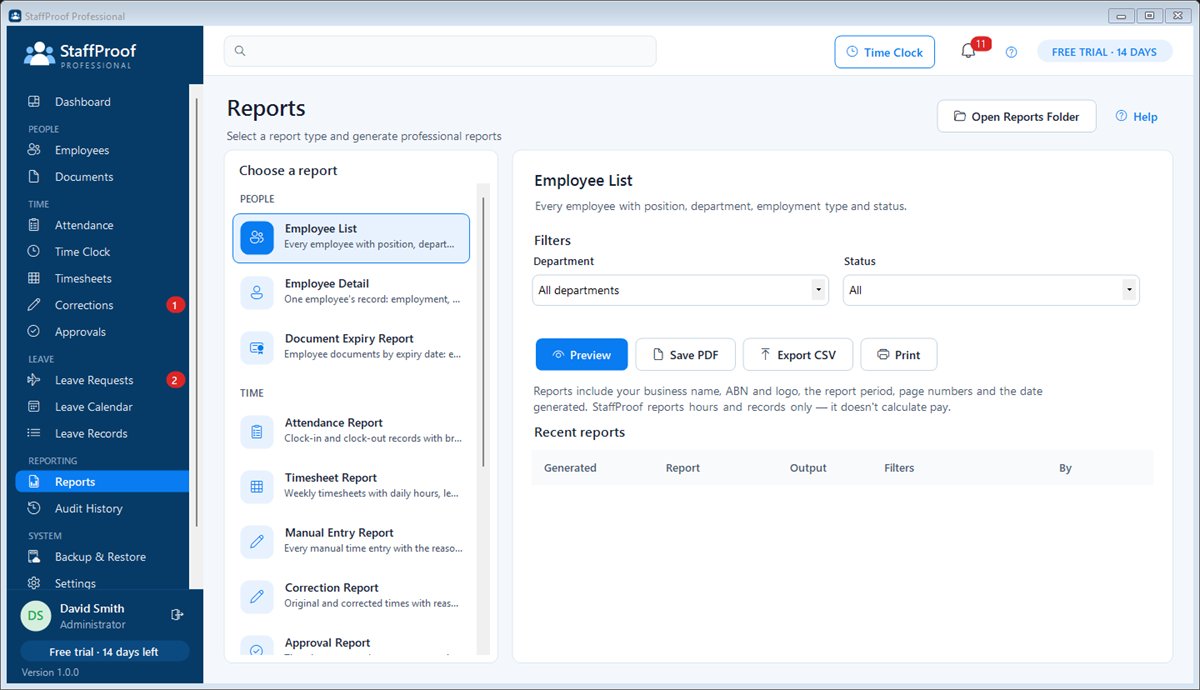
Employees, attendance, timesheets, leave, balances, calendar, document expiry, corrections, approvals and audit — PDF, CSV or print.
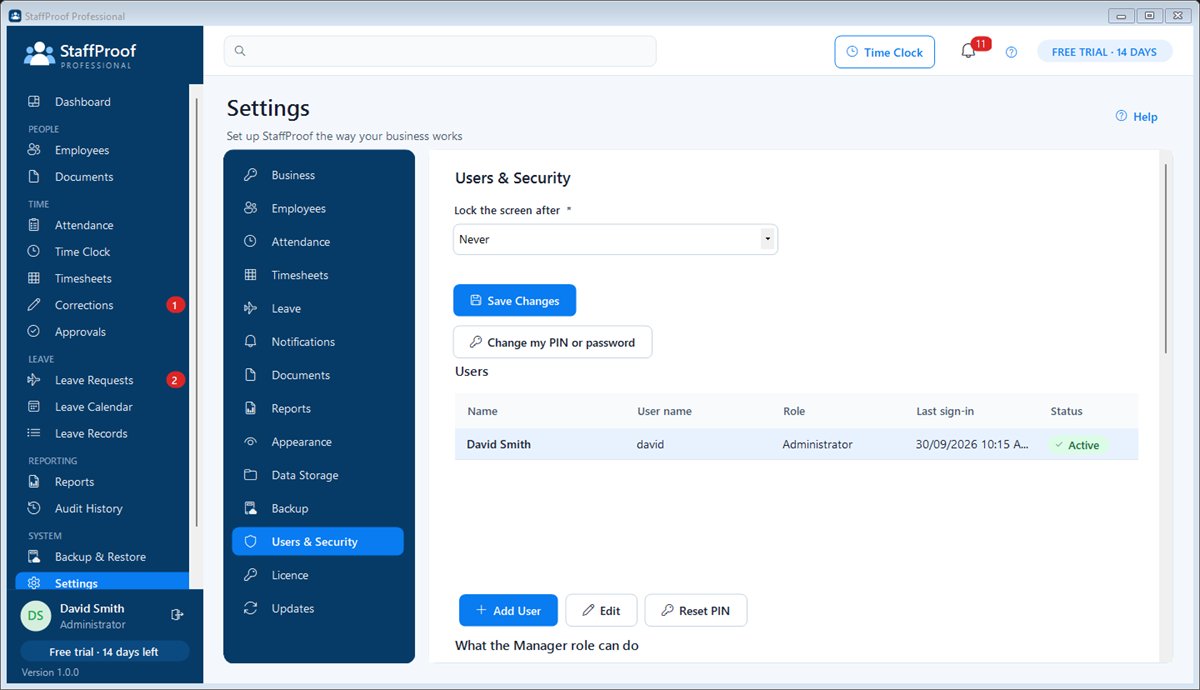
Administrator, Manager and Time Clock roles with configurable permissions, PIN lockout, auto-lock and a permanent audit history.
Verified automatic backups with safe restore, a Help Centre with screenshots, a 26-step getting-started guide and a printable user manual.
Screenshots
Real screens from StaffProof 1.0.0 with the built-in sample business, ABC Construction. Select any picture to enlarge it.
How it works
A six-step setup asks for your business details, an administrator PIN, your leave types and how your week works.
Type employees in or import a CSV, then give each person a Time Clock PIN.
Open the Time Clock on the front-desk PC or a Windows tablet. Staff use their PIN for every shift and break.
Check the week, fix anything with a reason, approve it and export the hours for payroll.
Learn & get started
Written in plain language with numbered steps and real screenshots, so anyone in your business can learn it.
The complete illustrated manual: setup, employees, the Time Clock, timesheets, corrections, leave, documents, reports, backups, the licence and troubleshooting.
Download the user manualThe manual opens with a step-by-step path from installing StaffProof to approving your first timesheet and activating your licence.
Open the quick startUse a Windows tablet or touchscreen PC at the entrance: sign in with a Time Clock user and StaffProof opens straight into the full-screen clock.
How to set it upPress F1 on any screen for its help article. The manual is also installed with the software and opens from the Help Centre.
Read the FAQFree trial
Install on Windows and use every feature free for 14 days — tick "Load sample data" during setup to explore with a ready-made business. When the trial ends nothing is deleted: the Time Clock, reports and backups keep working, and a licence key unlocks editing again.
Download installer (45.4 MB)Seeing a security warning?
New software from smaller publishers can trigger a warning from your browser, antivirus (such as McAfee) or Windows while it builds a download history. Our installer is safe, and you can check it matches the SHA-256 code below.
Not sure? Email info@onebridgetechnologies.com.au and we'll help you install it.
889966194811511507858d212155a6724a71b359147e753fb7ae1915d9424bf3New to StaffProof? Watch the free video tutorials: every task, step by step.
StaffProof Professional
$149 AUD
One-off payment · Australian dollars
Already purchased? Find my licence key
FAQ
StaffProof Professional is made in Australia by One Bridge Technologies. It is not a payroll system and does not provide legal or employment advice. Questions? Email info@onebridgetechnologies.com.au.