Free Android app by One Bridge Technologies

Rental inspections on your phone, with photo proof.

Rate every room, take photos, flag damage, collect signatures and share a clear PDF condition report in minutes. For property managers, owners and tenants.
  • Android 7.0 or later
  • No account, no ads
  • Your data stays on your phone
QR code that opens Rental Proof Inspect on Google Play

On a computer? Scan this code with your Android phone's camera to open the app on Google Play.
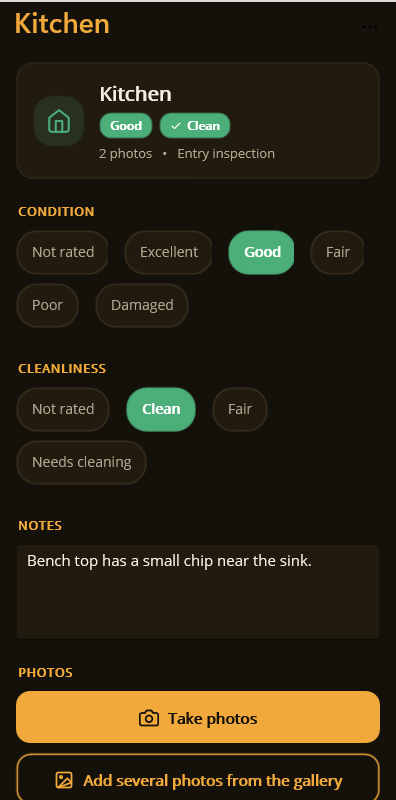
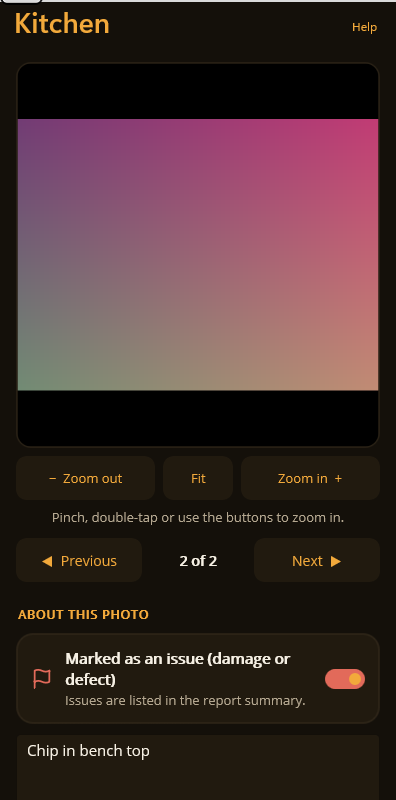
Kitchen room screen with condition and cleanliness ratings
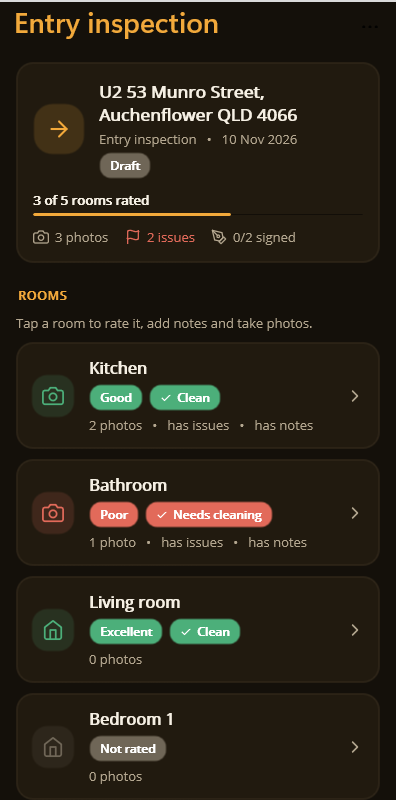
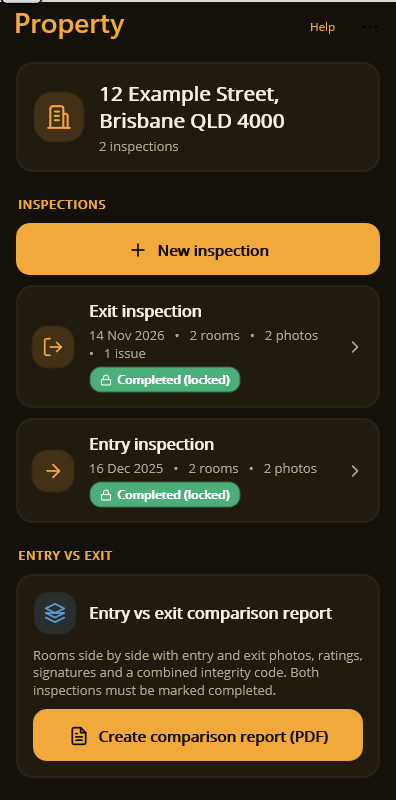
Entry inspection screen showing rooms with their ratings

Features

A complete inspection kit in your pocket

Everything you need to record a property's condition at entry, during the tenancy and at exit, without paper forms.

Room-by-room inspections

Entry, routine and exit inspections. Rate condition and cleanliness for every room and add notes.

Photos with fingerprints

Take photos in the app or add them from the gallery. Each one keeps its date and a SHA-256 fingerprint.

Flag damage

Mark any photo as an issue and describe it. Every issue is listed in the report summary.

Signatures on the phone

Inspector and tenant sign on screen. Completed inspections are locked so they can't be changed by accident.

PDF reports in minutes

Create a professional report and share it by email or messaging. Includes an entry vs exit comparison report.

Ghost Compare

At exit, a faint copy of the earlier photo shows over the camera, so you can line up the same view.

Who it's for

One app, two consoles

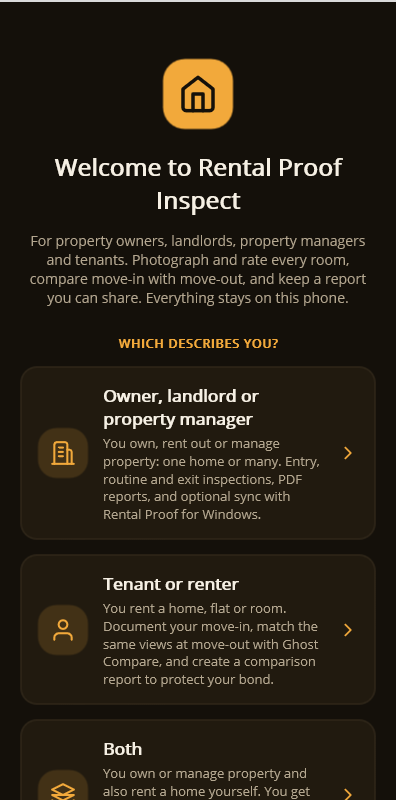
Choose your role when you start. If you manage a property and also rent a home, choose Both: each console keeps its own records.

Property managers and owners

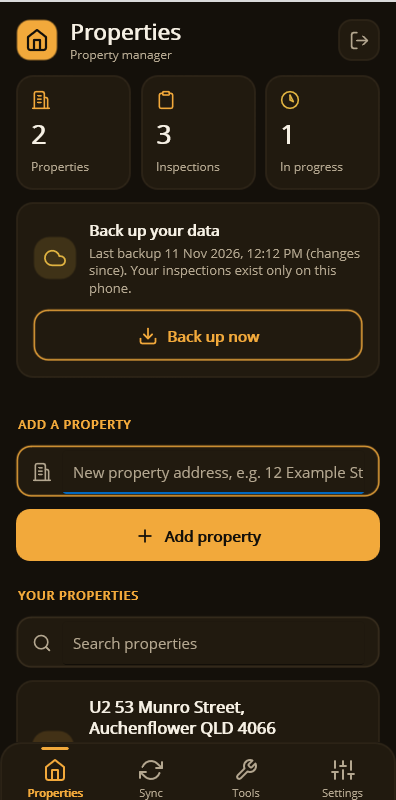
  • Entry, routine and exit inspections for all your properties
  • Reports with your agency name
  • Entry vs exit comparison, room by room
  • Optional sync with Rental Proof for Windows

Tenants

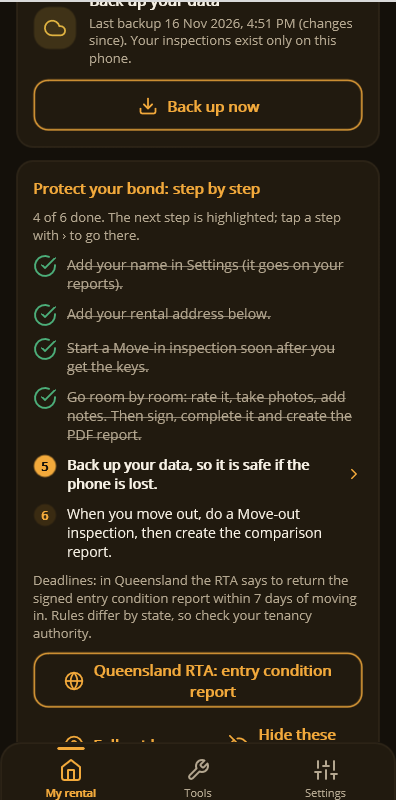
  • Do your own move-in inspection soon after you get the keys
  • Ghost Compare helps you match your move-in photos at move-out
  • A move-in vs move-out report to support your bond
  • A step-by-step guide, with a link to the Queensland RTA entry condition report

Screenshots

See the app in action

Screens from Rental Proof Inspect, shown with sample addresses.

Private by design

Your inspections stay on your phone

No cloud account holds your records. You decide where your backups go. Read the app privacy policy.

  • No account or sign-up
  • No cloud upload
  • No ads, no tracking
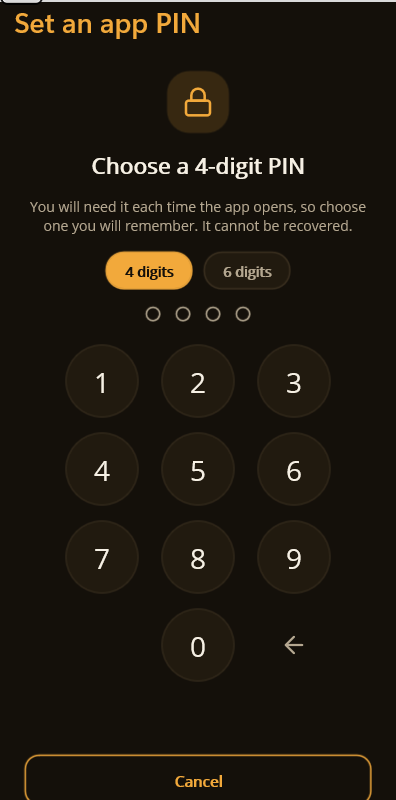
  • Optional PIN lock
  • Integrity code and QR on reports
  • Back up and restore to a new phone

How it works

From walk-through to report in five steps

  1. Step 1: Add the property address
  2. Step 2: Start an entry, routine or exit inspection
  3. Step 3: Rate each room and take photos
  4. Step 4: Sign and mark it completed
  5. Step 5: Create the PDF report and share it

Works with Windows

Sync with Rental Proof on your computer

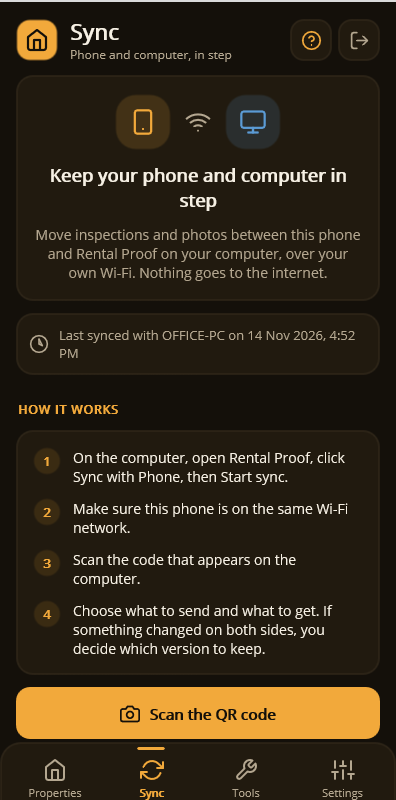
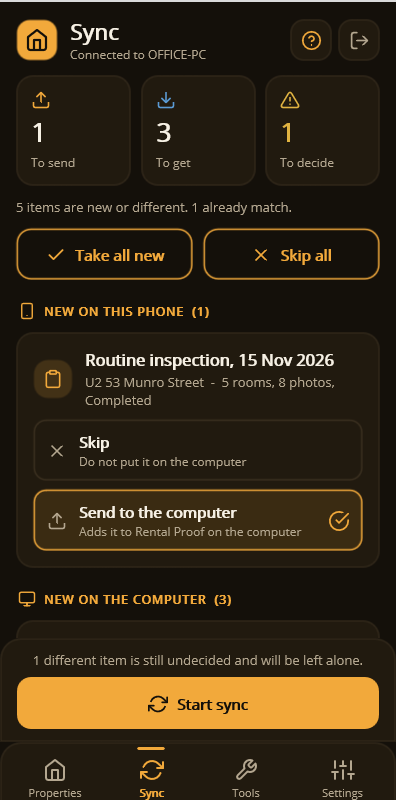
Manage many properties? Pair the app with Rental Proof for Windows by scanning a QR code. Inspections move between your phone and computer over your own Wi-Fi, not the internet.

You choose exactly what to send and what to get, and nothing is replaced without your say. Sync is optional: the app works fully on its own.
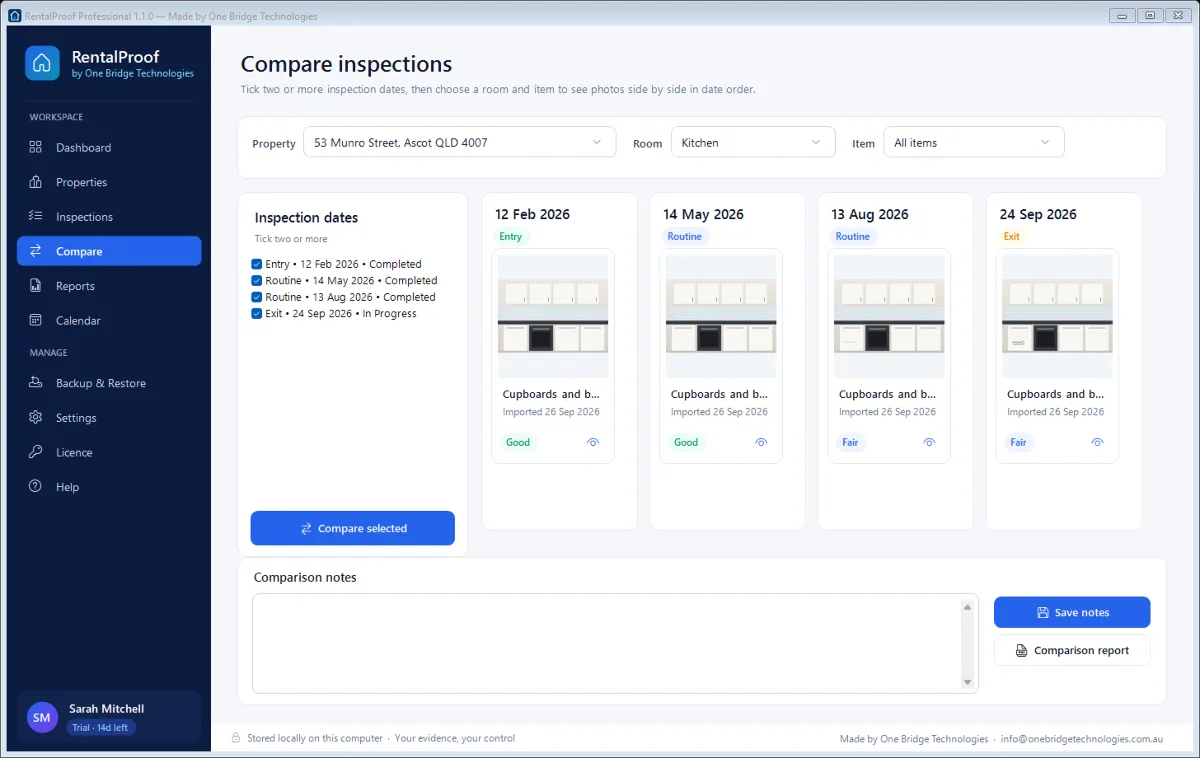
Rental Proof for Windows comparing kitchen cupboard photos from four inspection dates side by side
Rental Proof for Windows, with the phone app's sync screen.
The app's sync screen with choices to send or skip each inspection

FAQ

Questions about Rental Proof Inspect

Yes. The app is free on Google Play, with no ads, no in-app purchases and no subscription. Syncing with a computer is optional and needs Rental Proof for Windows, which is sold separately.

Not yet. Rental Proof Inspect is available for Android phones (Android 7.0 or later) on Google Play in Australia.

No. There's no sign-up, and inspections, photos and reports are created and stored on your phone. The internet is only used if you choose to sync with your computer or register a verification seal.

In the app's private storage on your phone. Nothing is uploaded to us. Use Back up now to save a backup file to Google Drive, email or your computer, and restore it on a new phone.

Yes. Choose Property manager or owner, Tenant, or Both when you start. With Both you get two separate consoles, each with its own records, so nothing is mixed.

No. Rental Proof Inspect helps you record and organise evidence of a property's condition. It doesn't decide legal responsibility, fair wear and tear or bond outcomes.

Get Rental Proof Inspect free

Available now on Google Play in Australia. Questions or ideas? Email info@onebridgetechnologies.com.au.

Free onGoogle Play (opens in a new tab)
QR code that opens Rental Proof Inspect on Google Play

Or scan with your phone's camera